Vat Setting
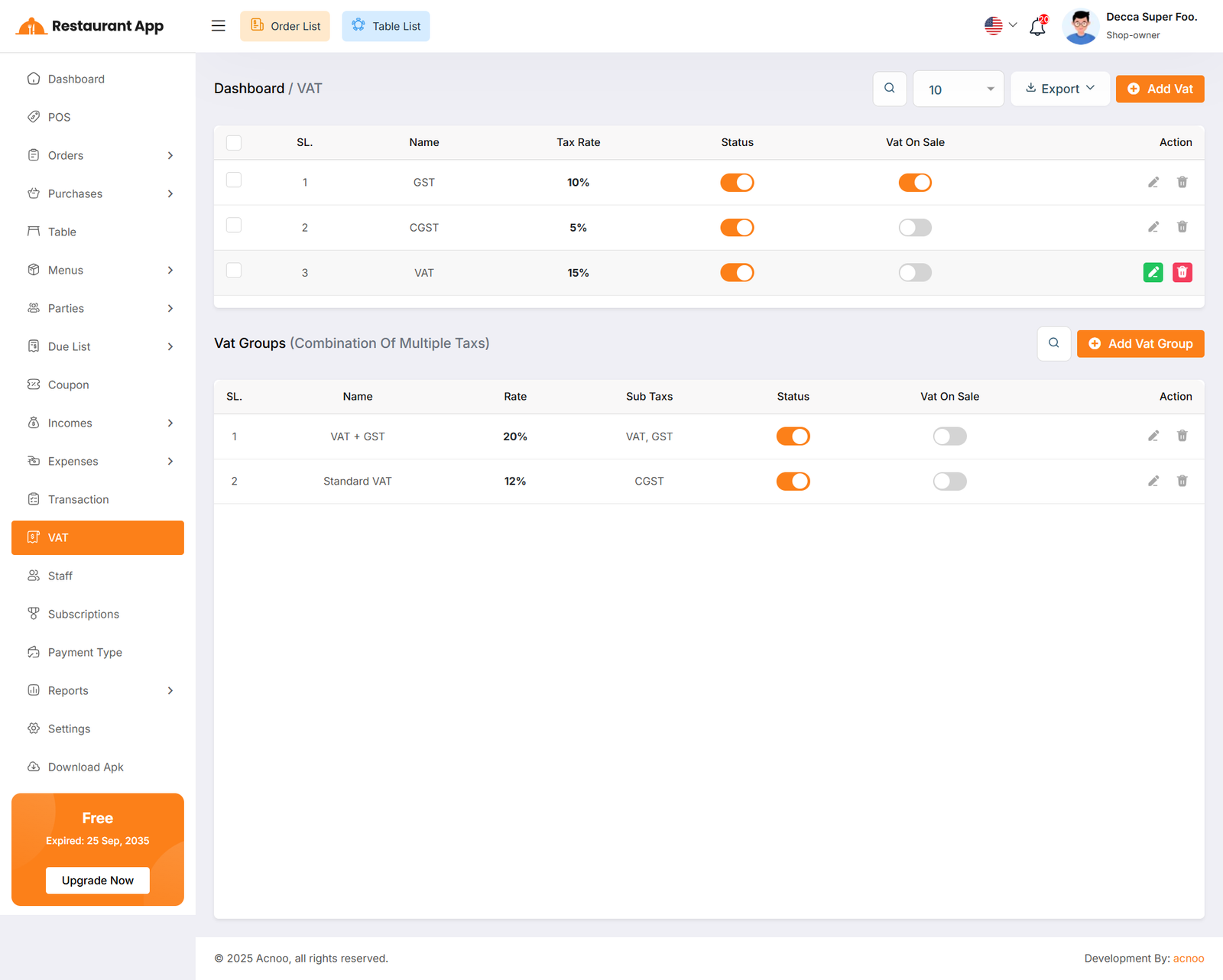
Here, you can view VAT settings and VAT groups. Two tables are available: one for the list of VAT rates and another for the list of VAT groups. You can exported VAT as Excel, CSV and PDF and apply filtering separately in both tables. Additionally, you can use the VAT On Sale toggle to activate any VAT during item sales. When one VAT is activated, all other VATs will be automatically deactivated.
Create Vat
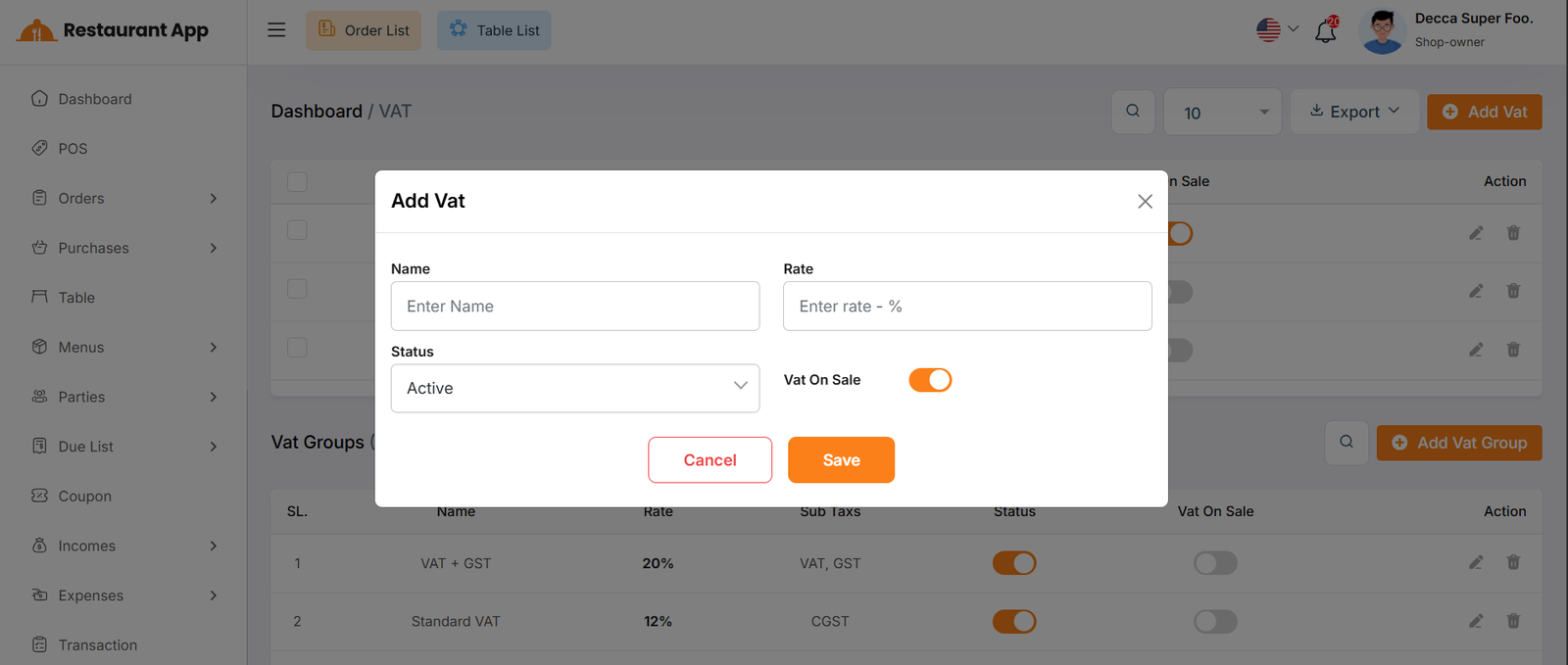
By clicking the Add VAT button, a modal will appear. Fill in the required input fields and then click the Save button to add a new VAT entry.
Create Vat Group
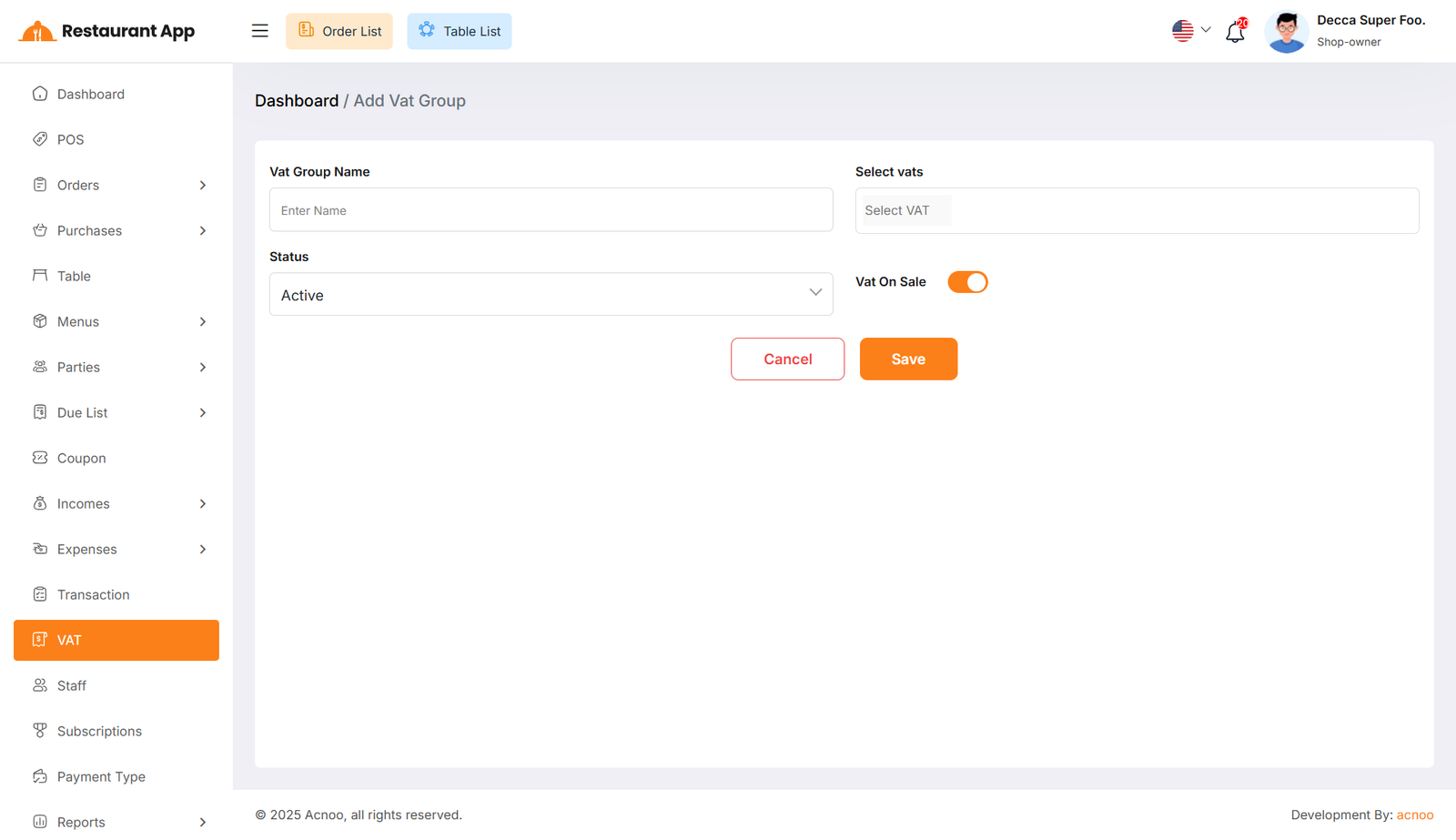
By clicking the Add New button, you will be redirected to the VAT Group creation page. Fill in the required input fields and then click the Save button to add a new VAT group.