Parties
Customer List
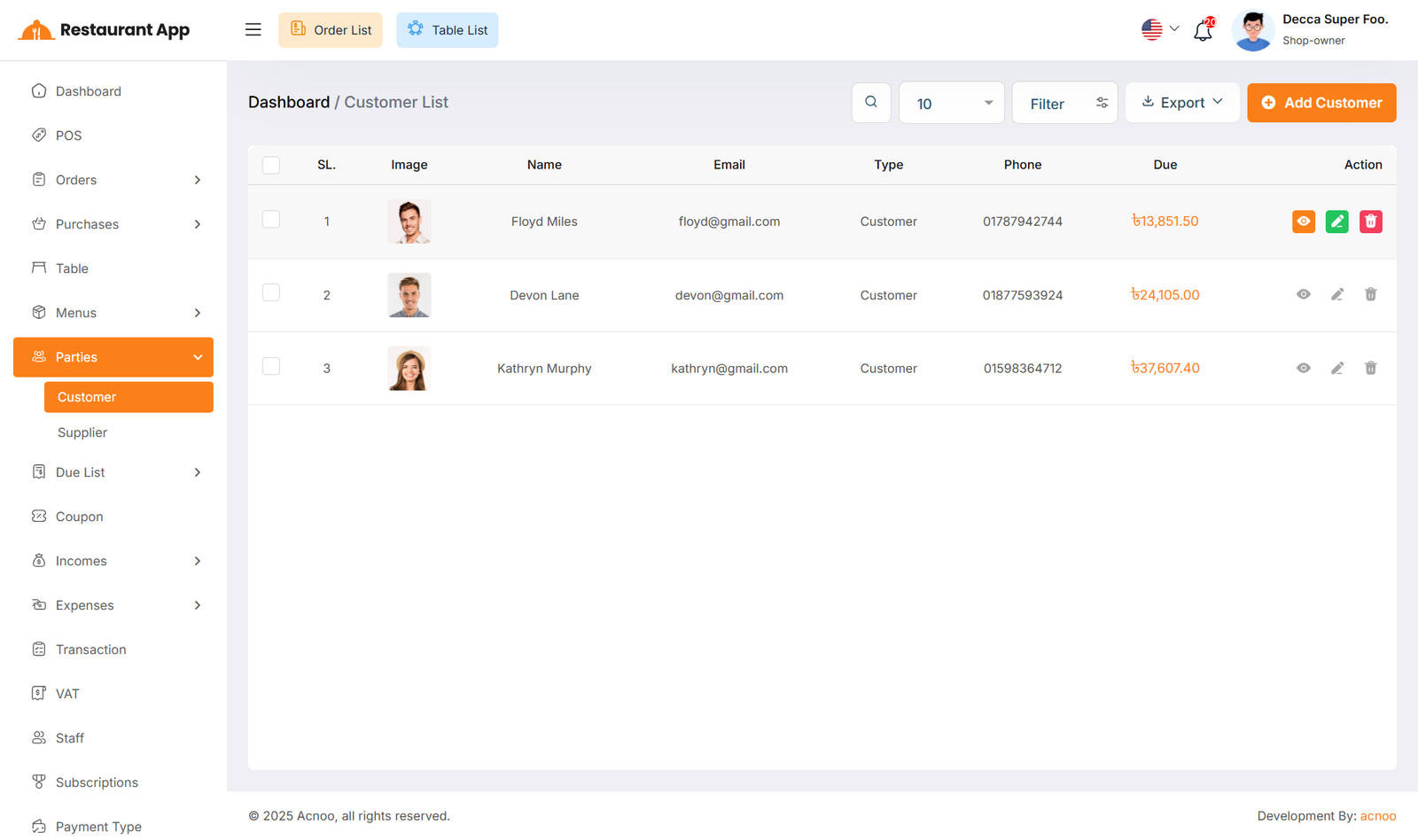
Here, you can view the customer list with a search filter. Additionally, you have the option to view, edit, delete, or use the multi-delete function and exported as Excel, CSV and PDF.
Create Customer
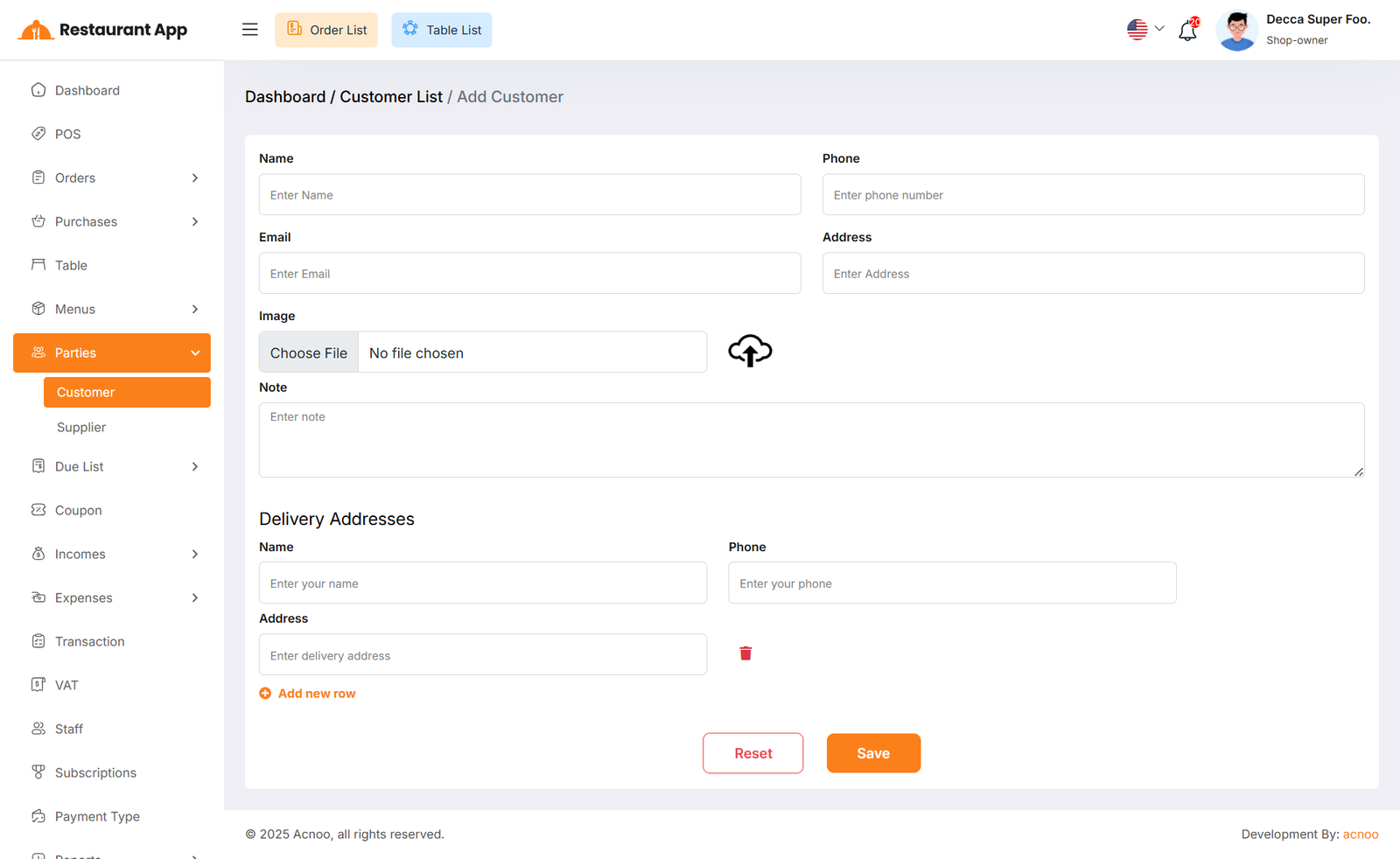
You can create a customer by filling out the required fields. Additionally, by clicking on the "Add new row" button, you can dynamically add fields for name, phone, and address. If you don’t need a dynamic field or if too many have been added, you can remove them by clicking the red "Delete" icon.
Supplier List
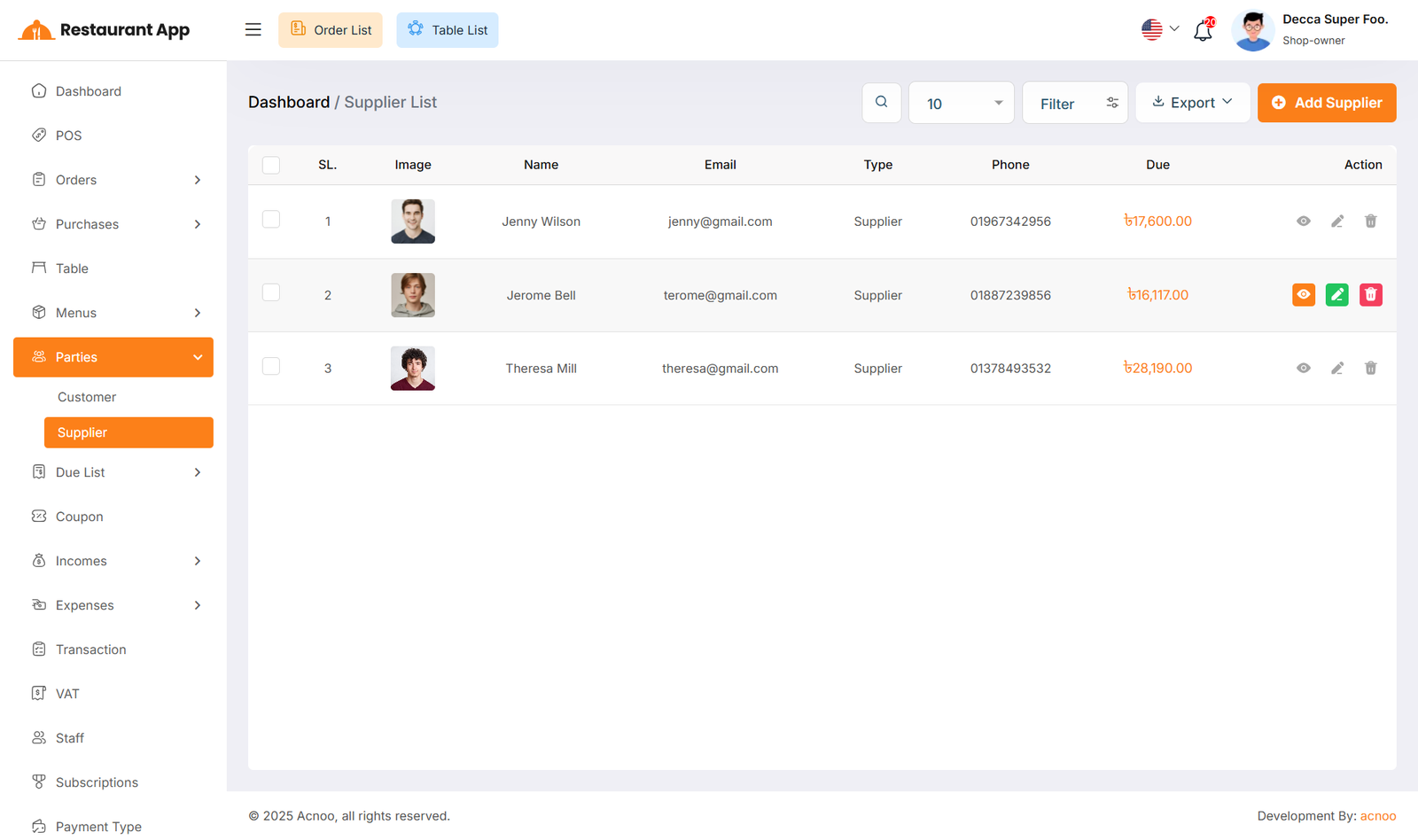
Here, you can view the supplier list with a search filter. Additionally, you have the option to view, edit, delete, or use the multi-delete function and exported as Excel, CSV and PDF.
Create Supplier
You can create a Supplier by filling out the required fields. Additionally, you can add an initial opening to be stored.