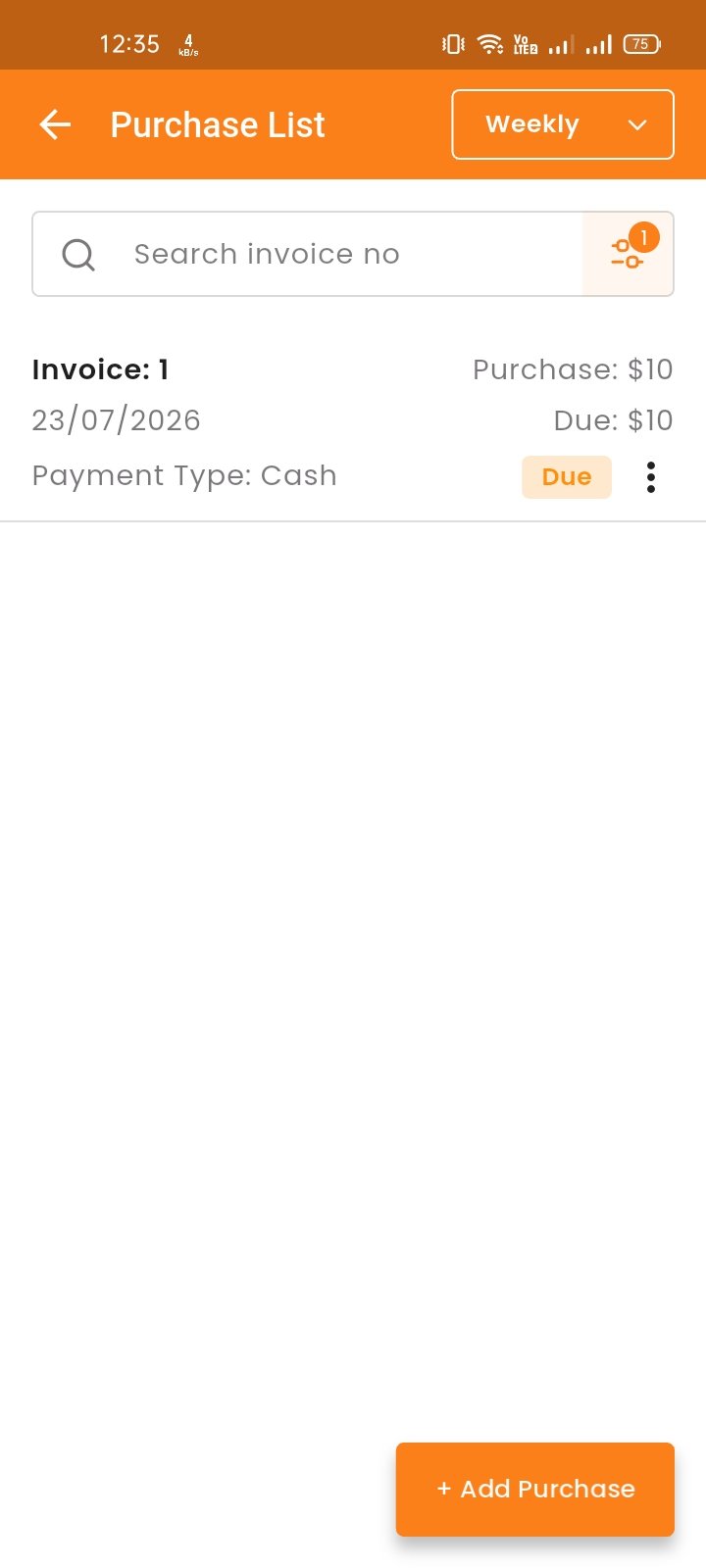
Purchase List
View the Purchase list with search options. You can view invoices, edit, delete, or view incoices.
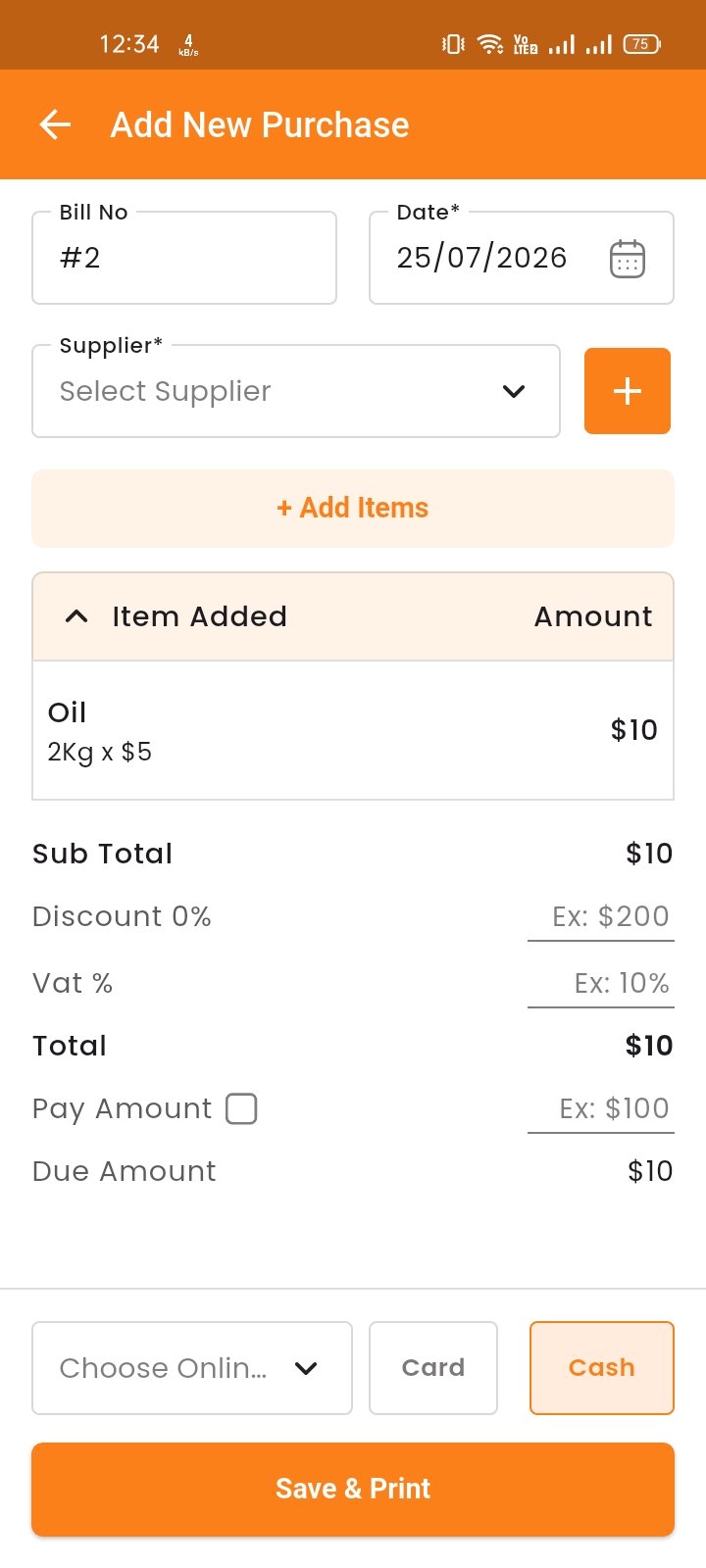
Create Purchase
By clicking on "Add Purchase", you can create a new purchase. First, select a supplier, then choose an inventory item for the purchase. Additionally, you can create new items and suppliers instantly.
Select an item for the purchase. Once selected, the item will automatically appear in the cart list. You can adjust the quantity and remove items. Enter the "Pay Amount" and if it is less than the total, the difference will be shown as "Due". Click save to complete the purchase.