All Kitchens
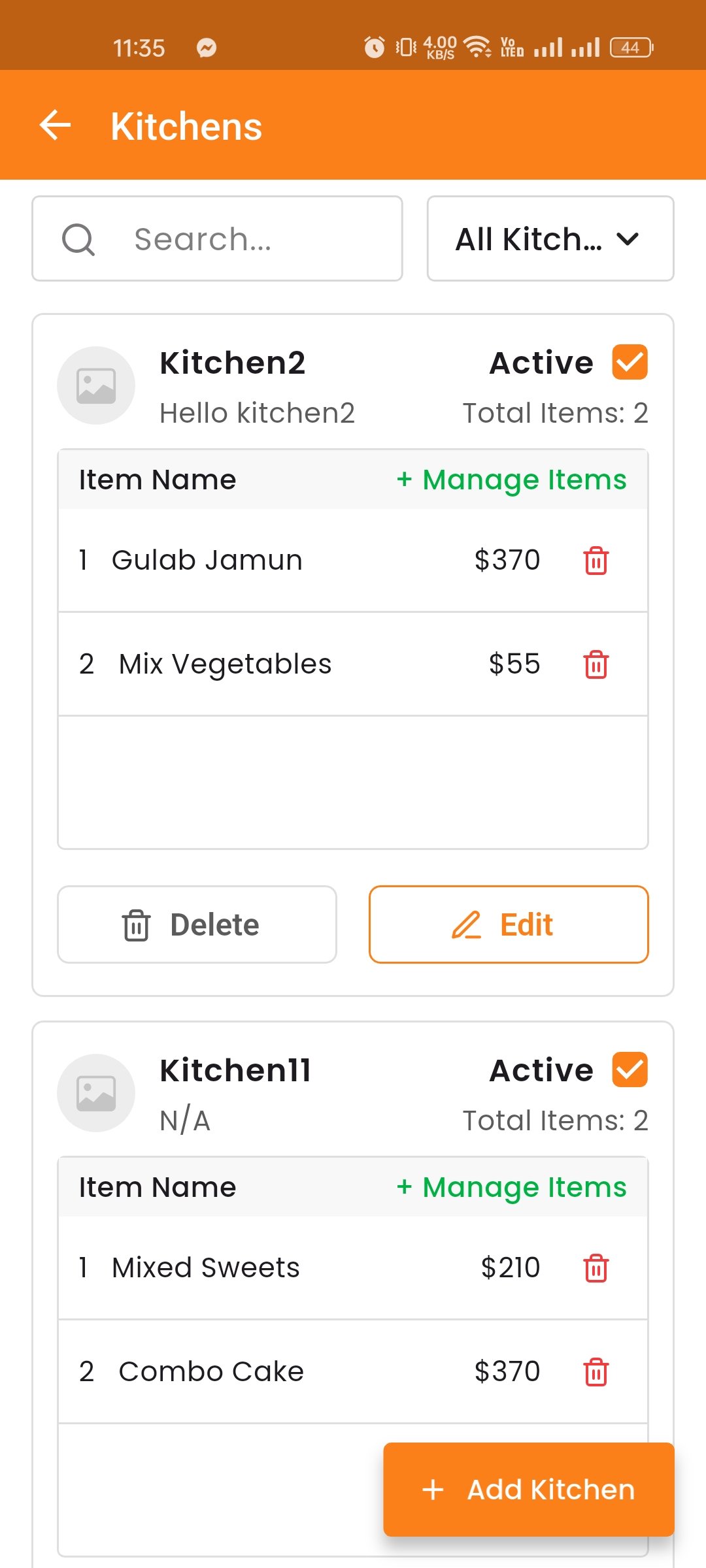
The Kitchens module streamlines restaurant operations by separating food preparation into logical units (e.g., Non-Veg Kitchen, Veg Kitchen). This ensures that orders are routed to the correct staff.
View and manage all kitchens. You can toggle a kitchen to Active or Inactive status. Assign items to specific kitchens for proper order routing.
Create Kitchen
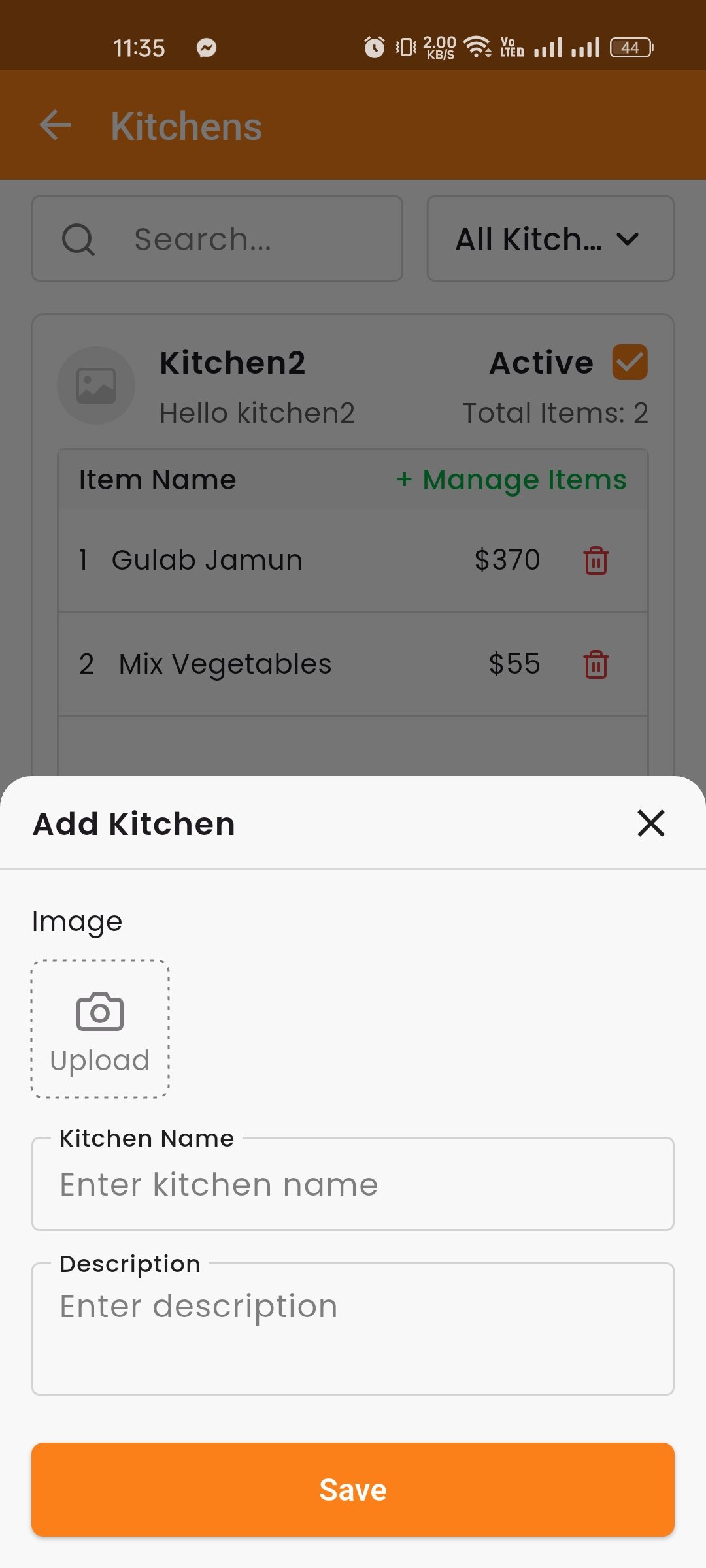
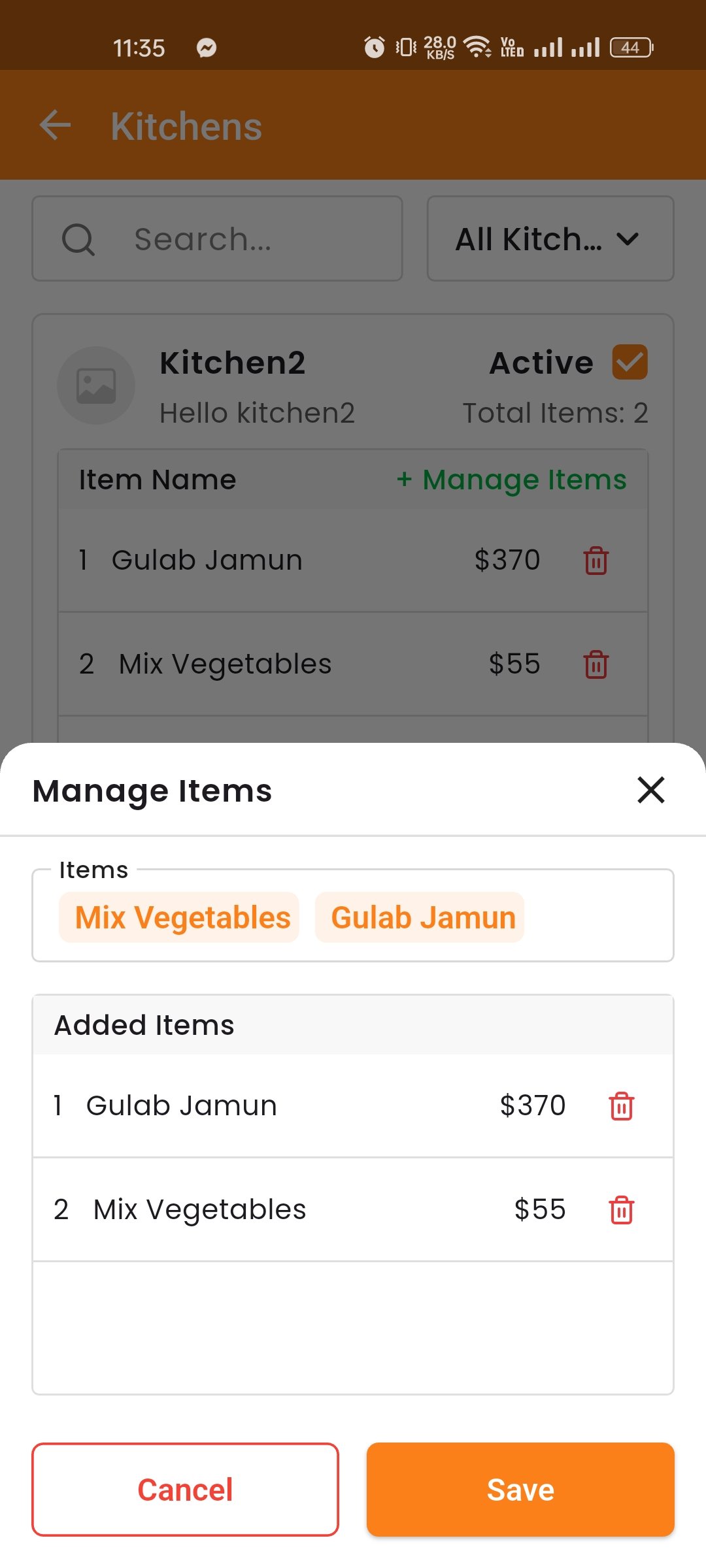
You can create a new kitchen by giving it a name (e.g., Non-Veg Kitchen, Veg Kitchen). After creating the kitchen, you can also assign items to it — select which menu items will be cooked in that specific kitchen. This ensures that when an order is placed, it gets routed to the correct kitchen automatically.