Items
The Items module allows you to manage all menu items. It contains several sub-tabs: Menus, Categories, Items List, Modifier Groups, and Item Modifiers.
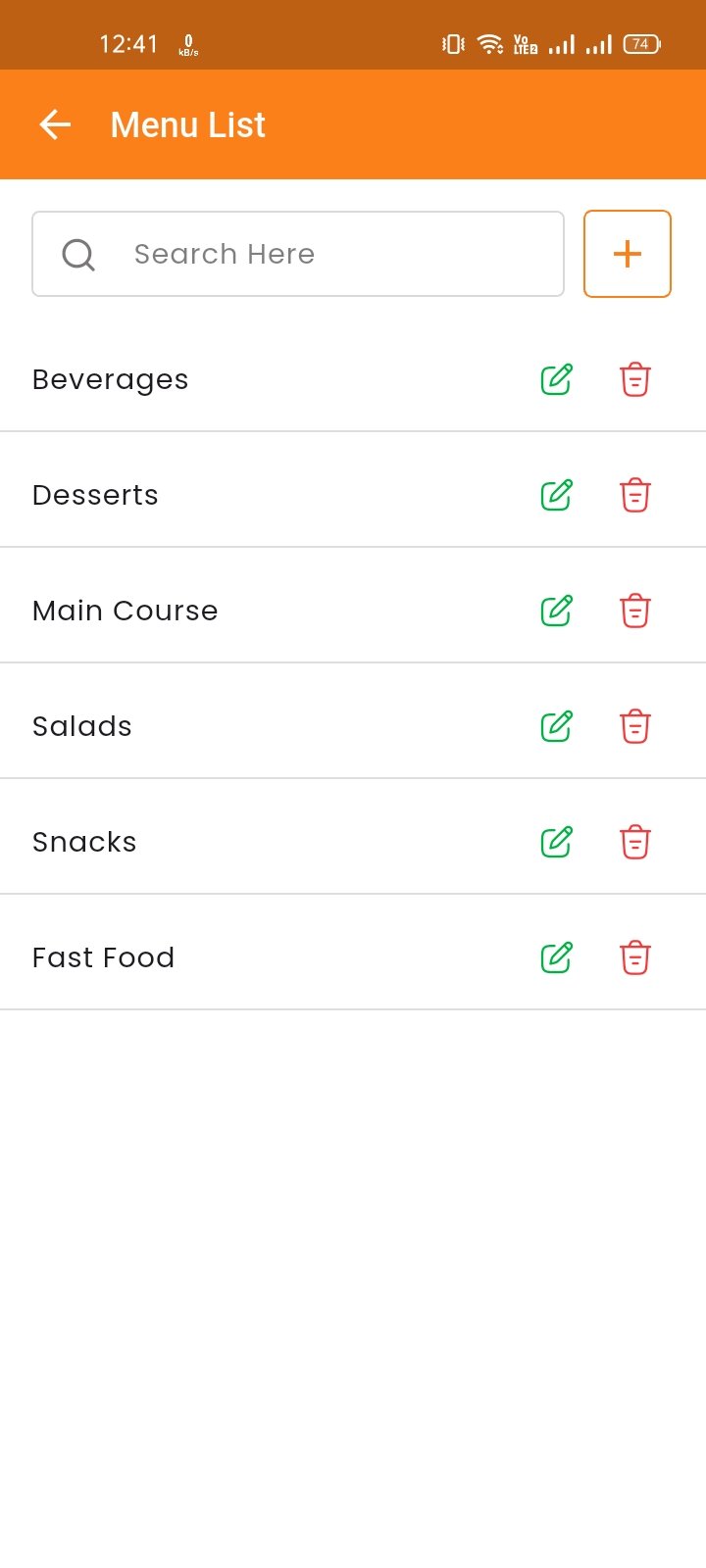
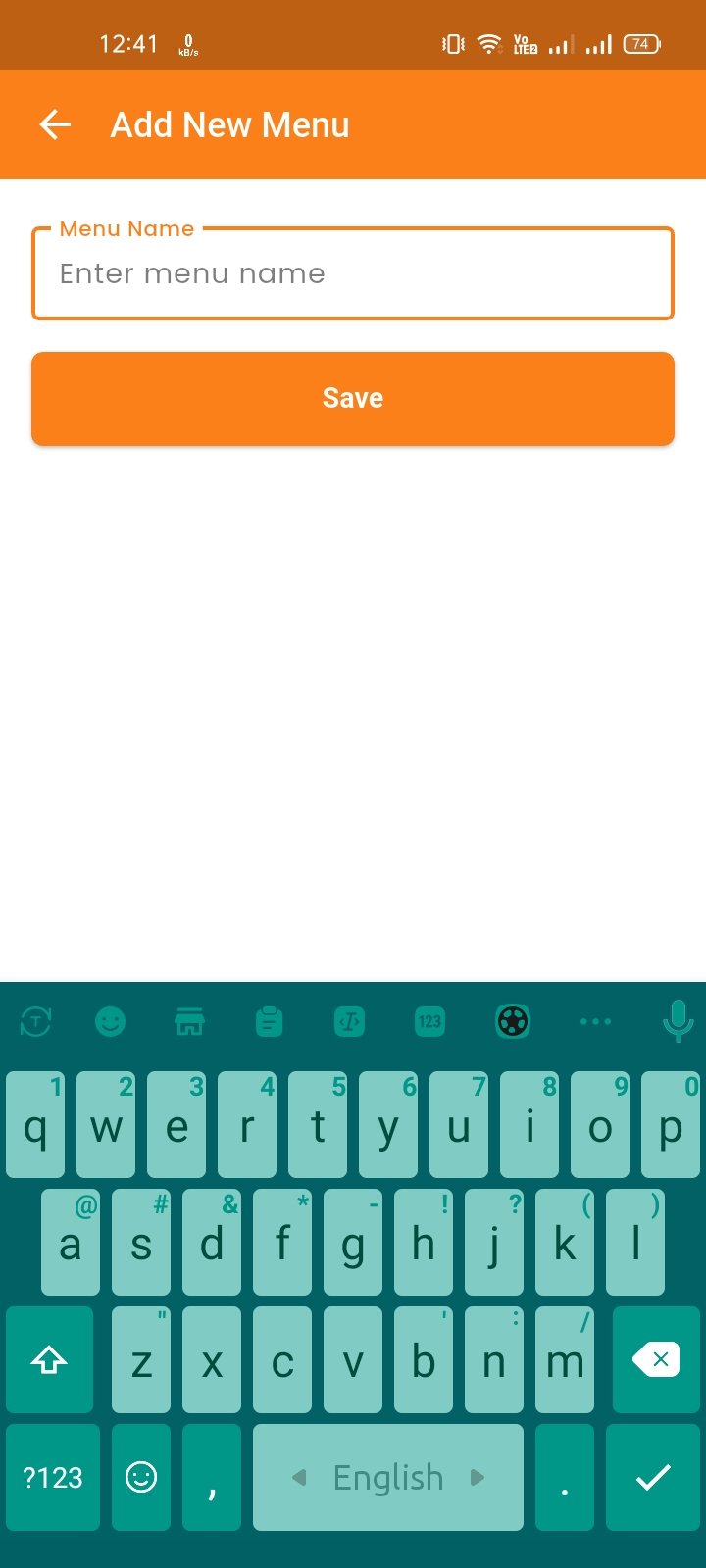
Menus
Manage menu groups to organize your items. Add, edit, delete, and search menus.
Categories
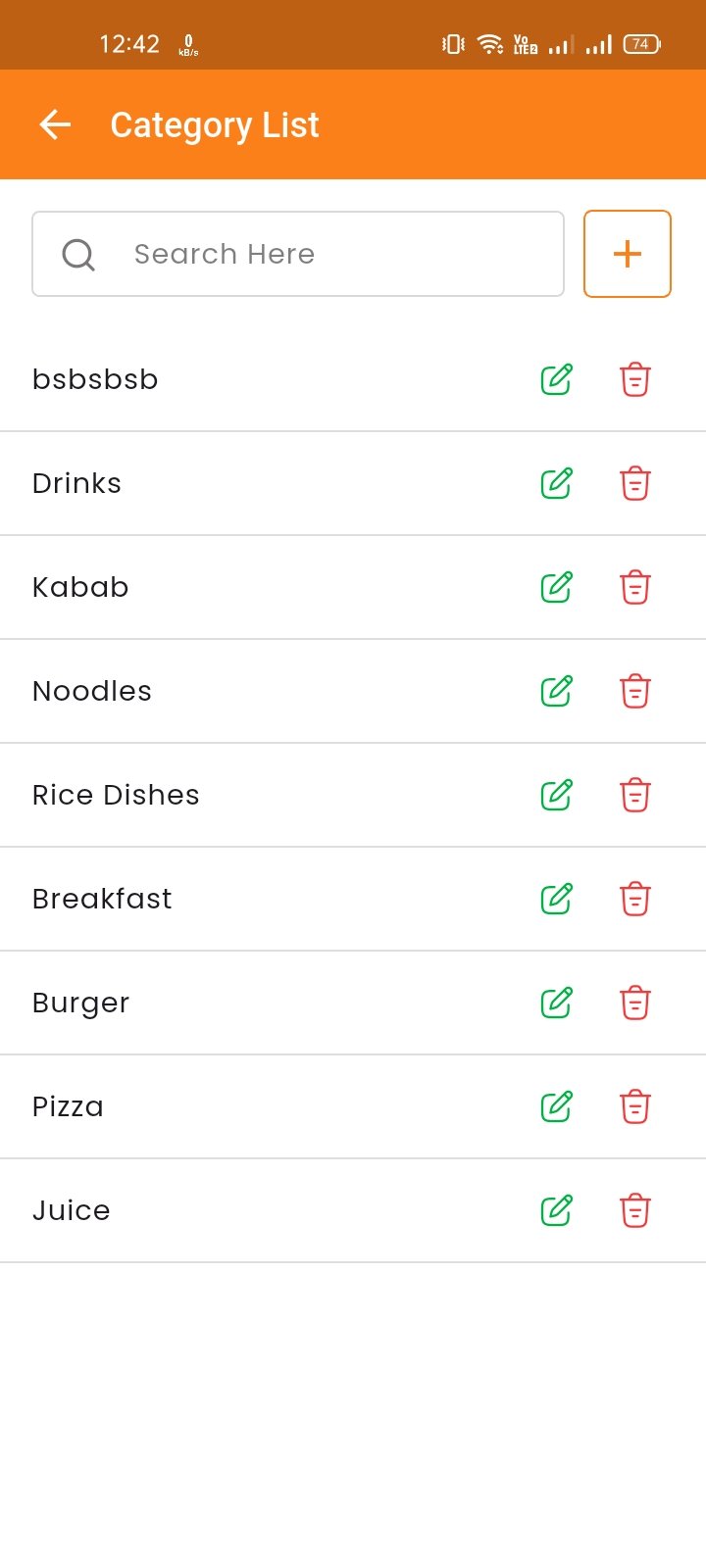
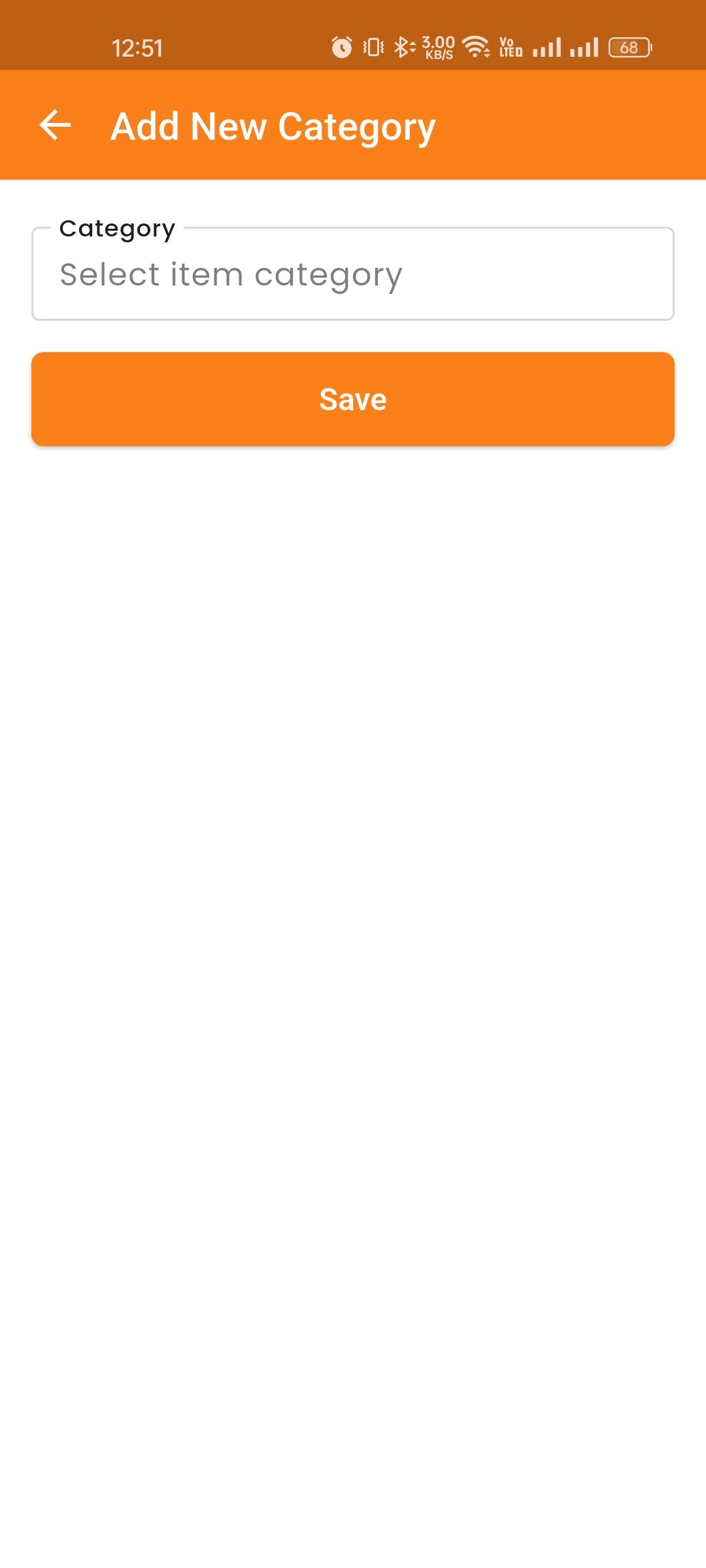
Manage item categories. Add, edit, delete, and search categories. Organize items into logical groups for easy browsing.
Items List
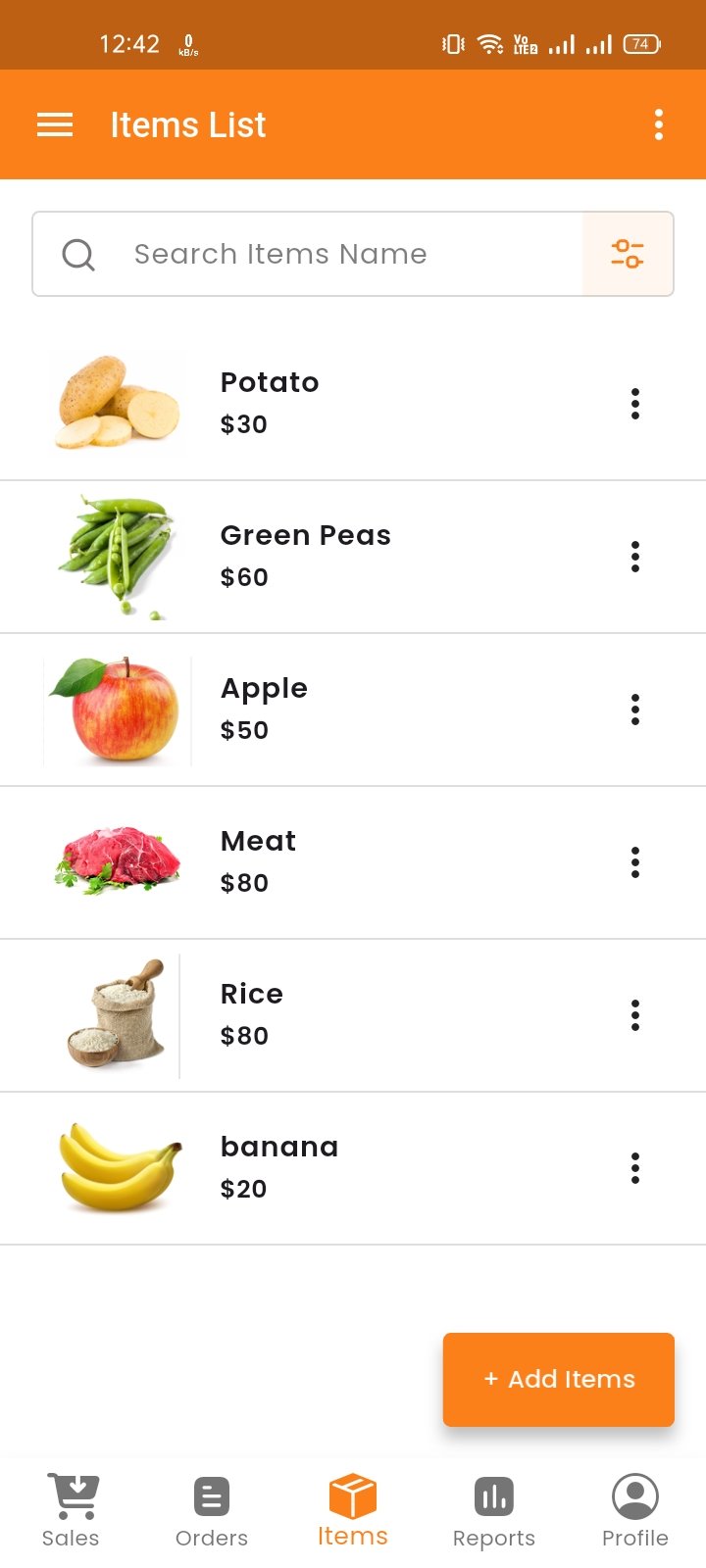
Here, you can view the item list with filtering options. You can view details, edit, or delete items. Clicking on the variation number will show the item's variation name and price details.
Create Item
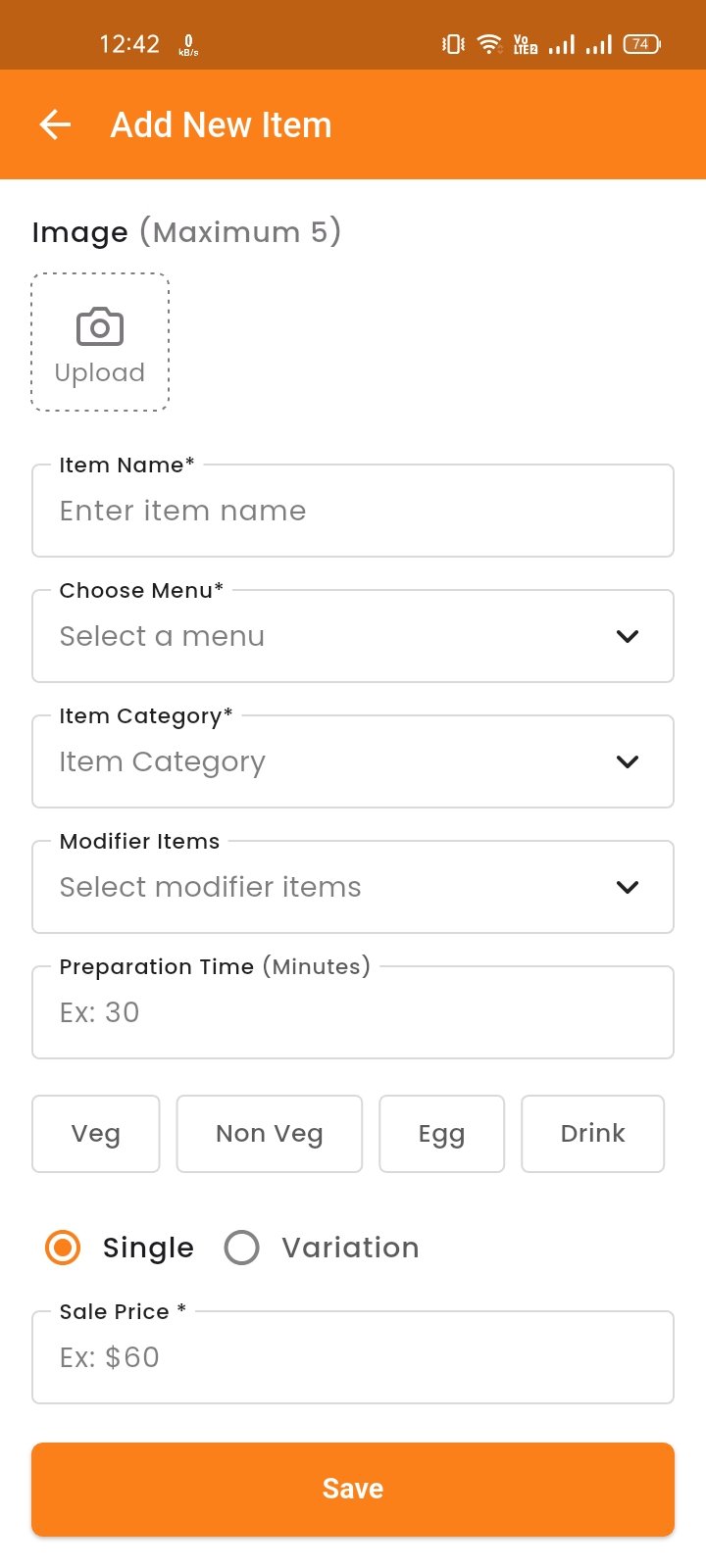
You can create an item by filling in fields such as name, menu, category, product type, etc. Choose product type as "Single" or "Variation" and provide the corresponding name and price. Upload multiple images and click "Publish" to save.
If the item has variations (e.g., Small, Medium, Large) or modifiers (e.g., extra cheese), you can configure those options before publishing.
Modifier Groups
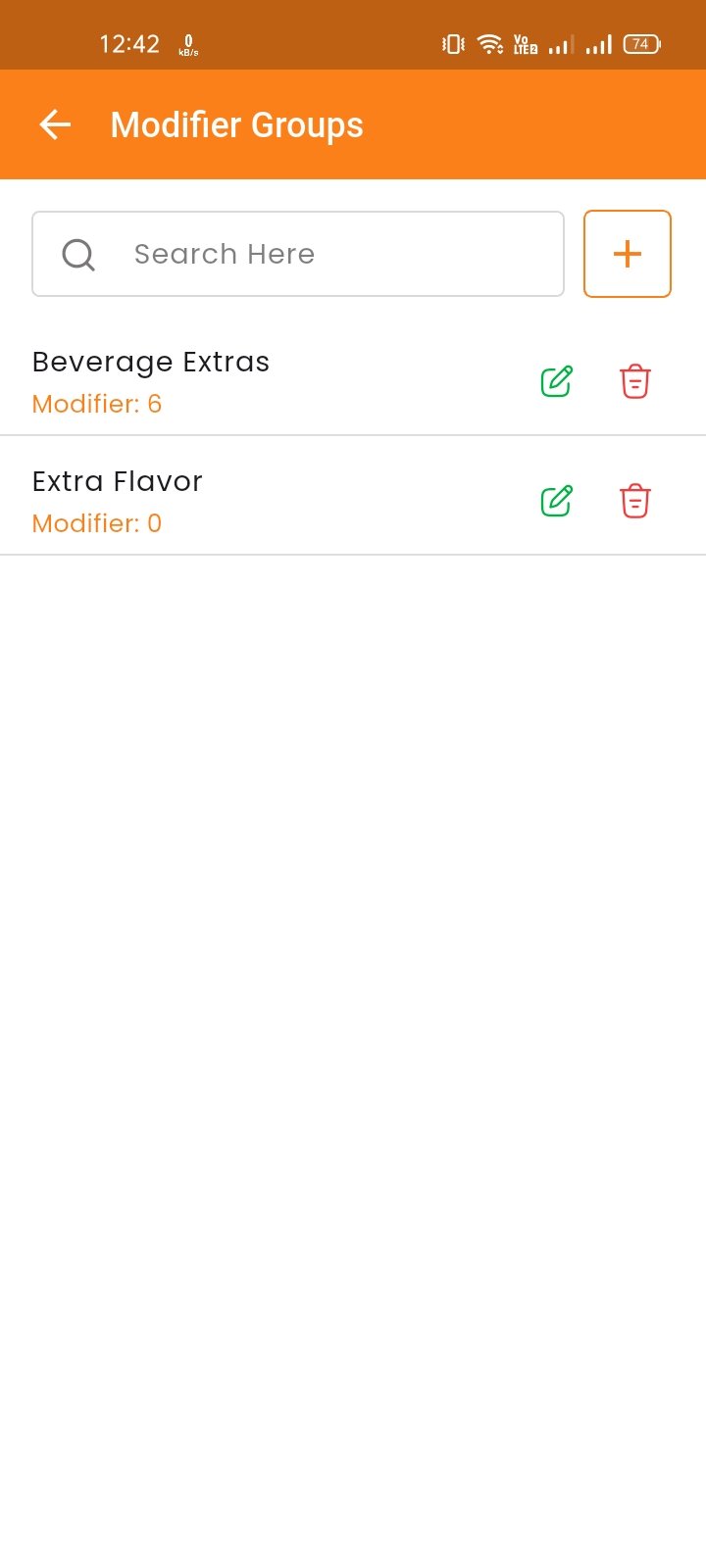
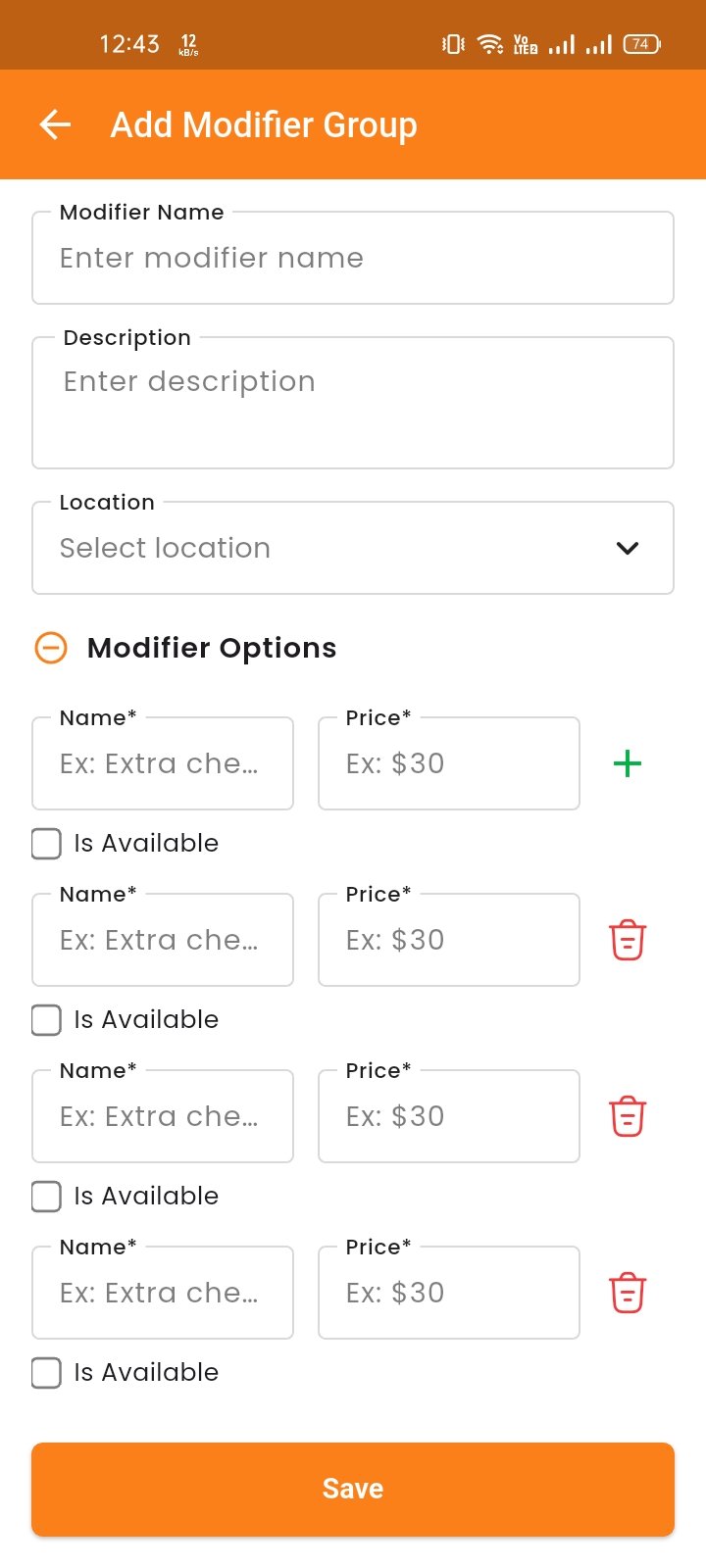
Create and manage modifier groups (e.g., Extra Toppings, Drink Sizes). Each group can have multiple modifier options with prices.
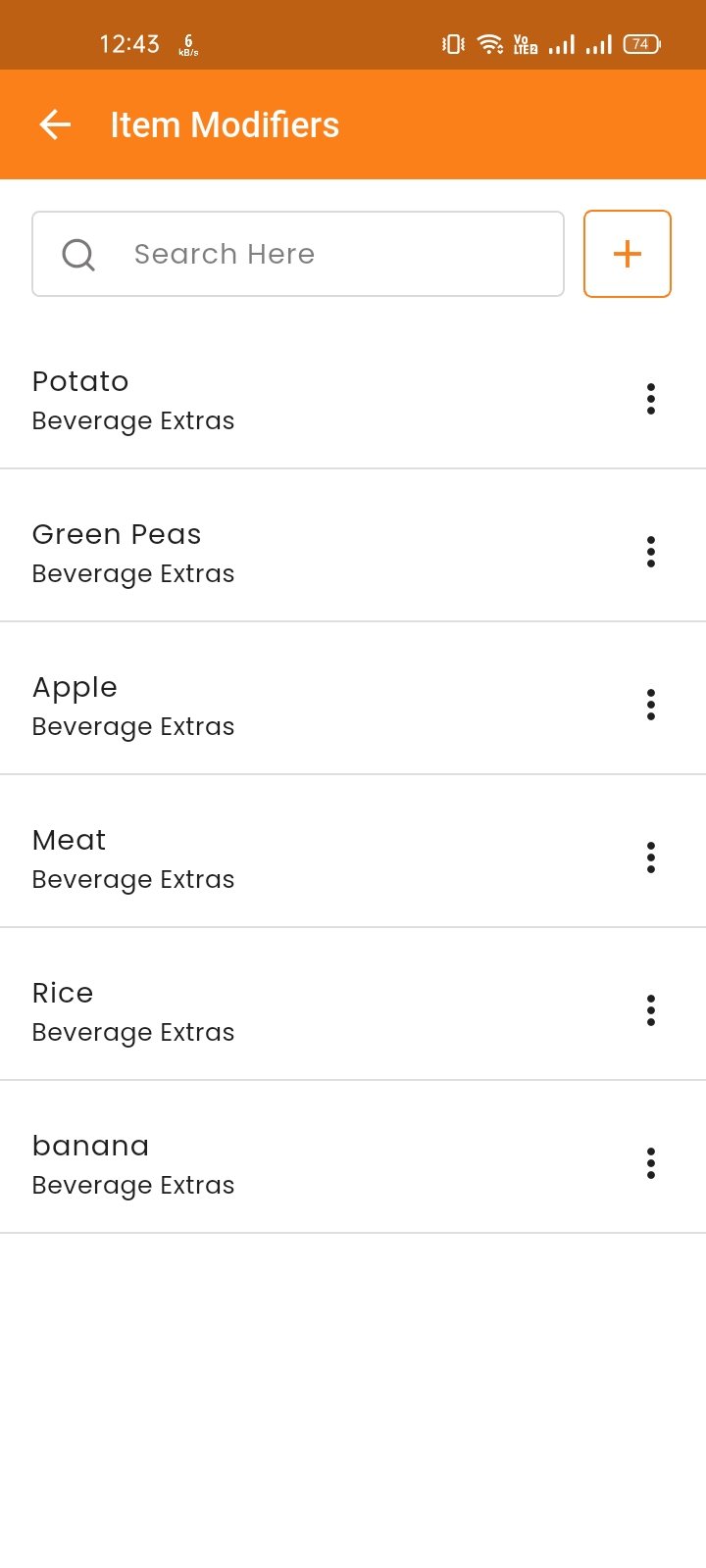
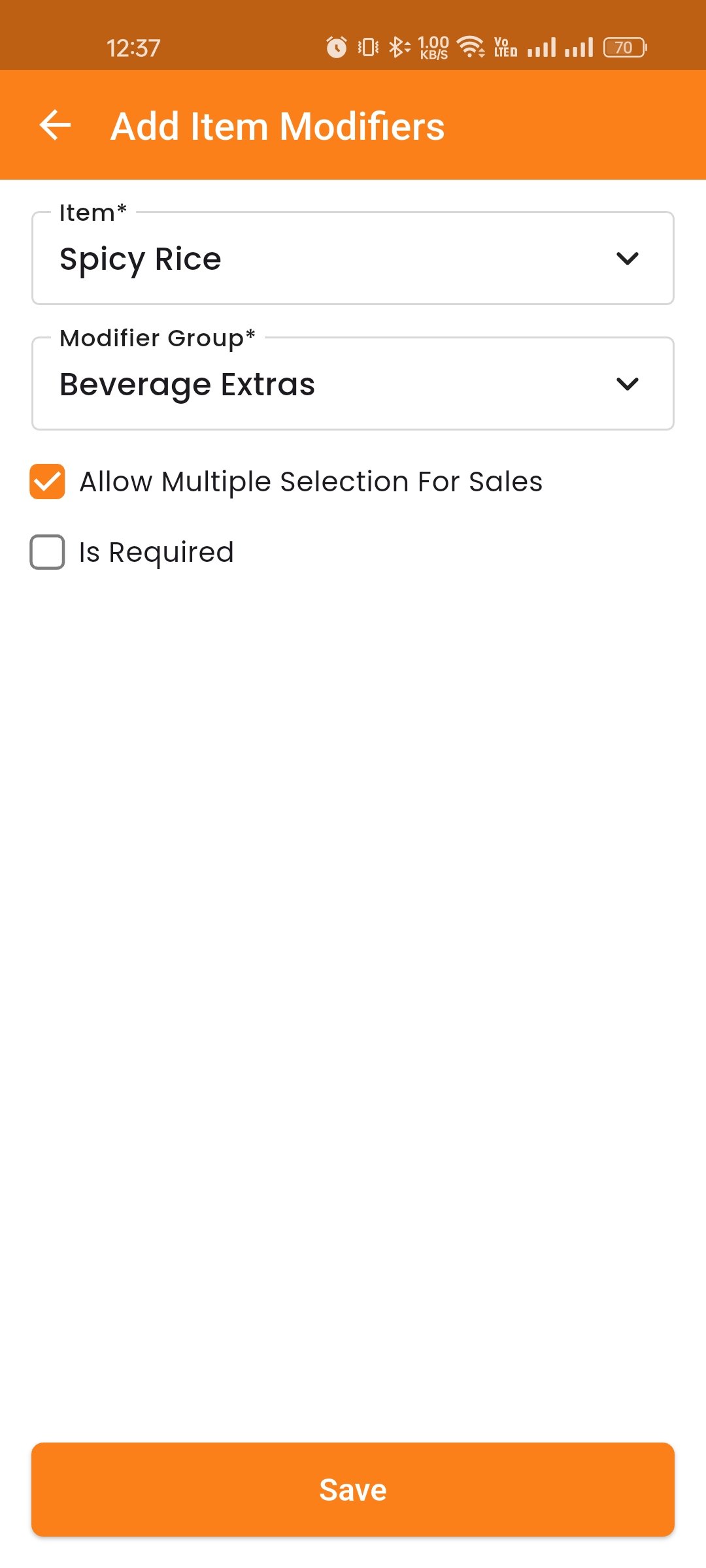
Item Modifiers
Assign modifier groups to specific items. Configure whether multiple selections are allowed and if modifiers are required.