Inventory Items
The Inventory module helps you track stock quantities, manage ingredient costs, define recipes for menu items, and monitor stock movements.
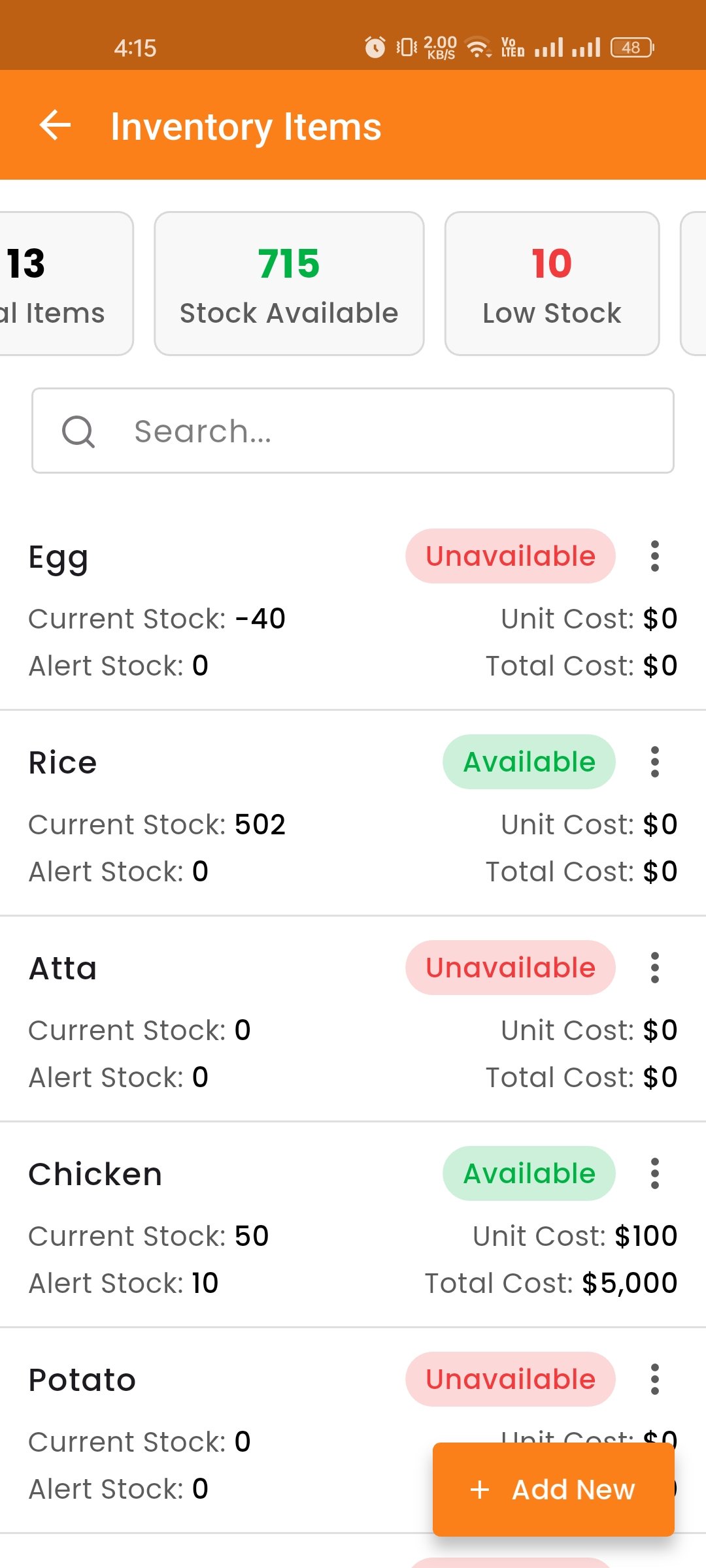
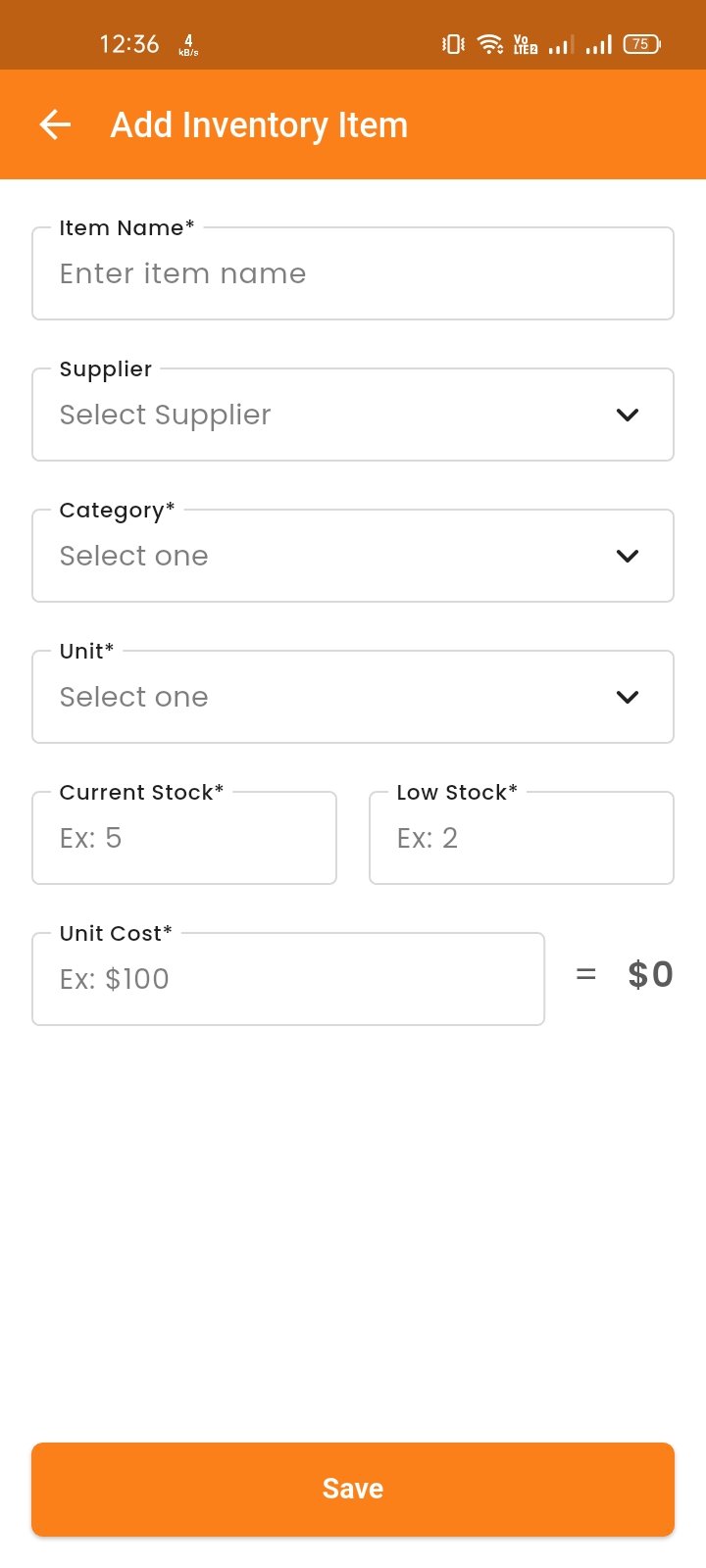
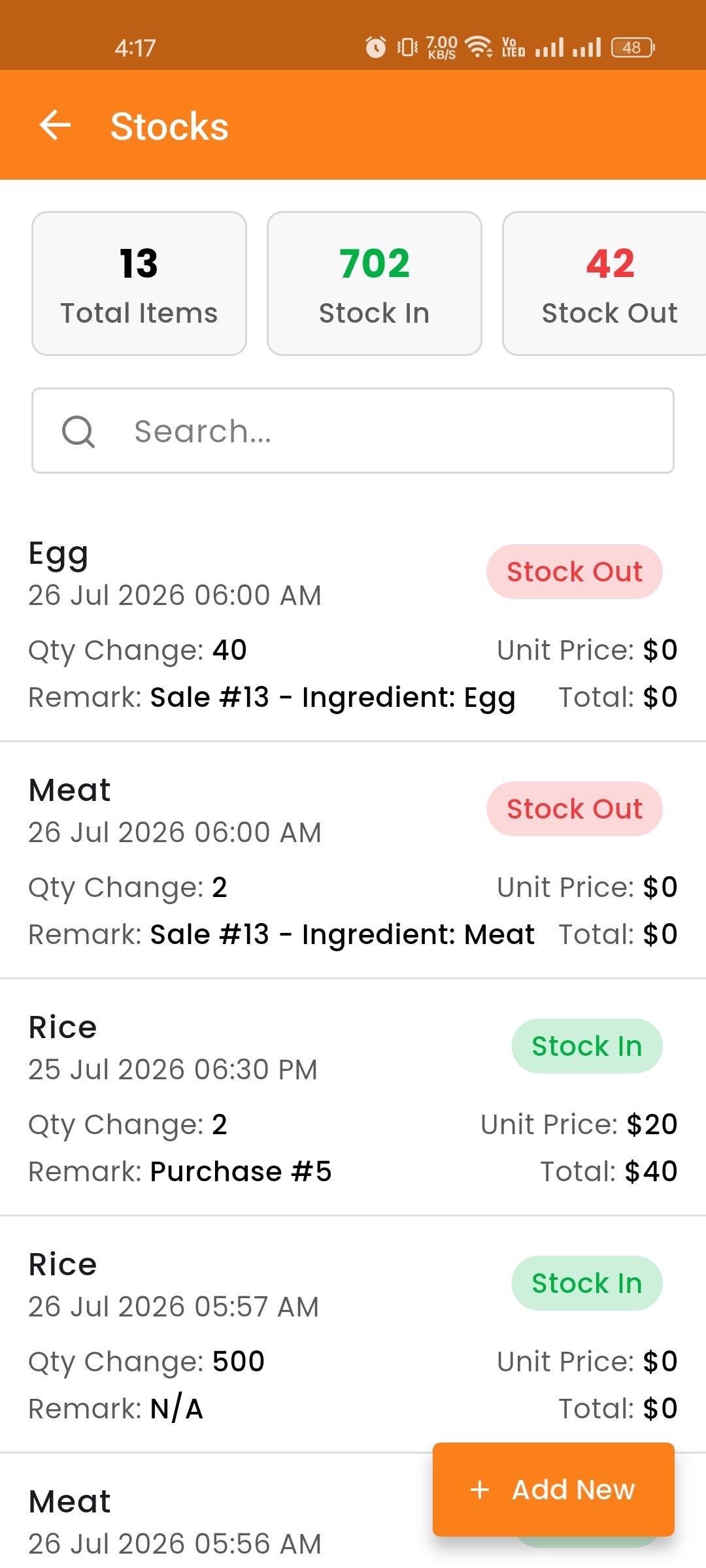
Manage inventory items with name, category, unit, stock quantity, stock alert, and unit price. Get low-stock alerts for better inventory control.
Stock Movements
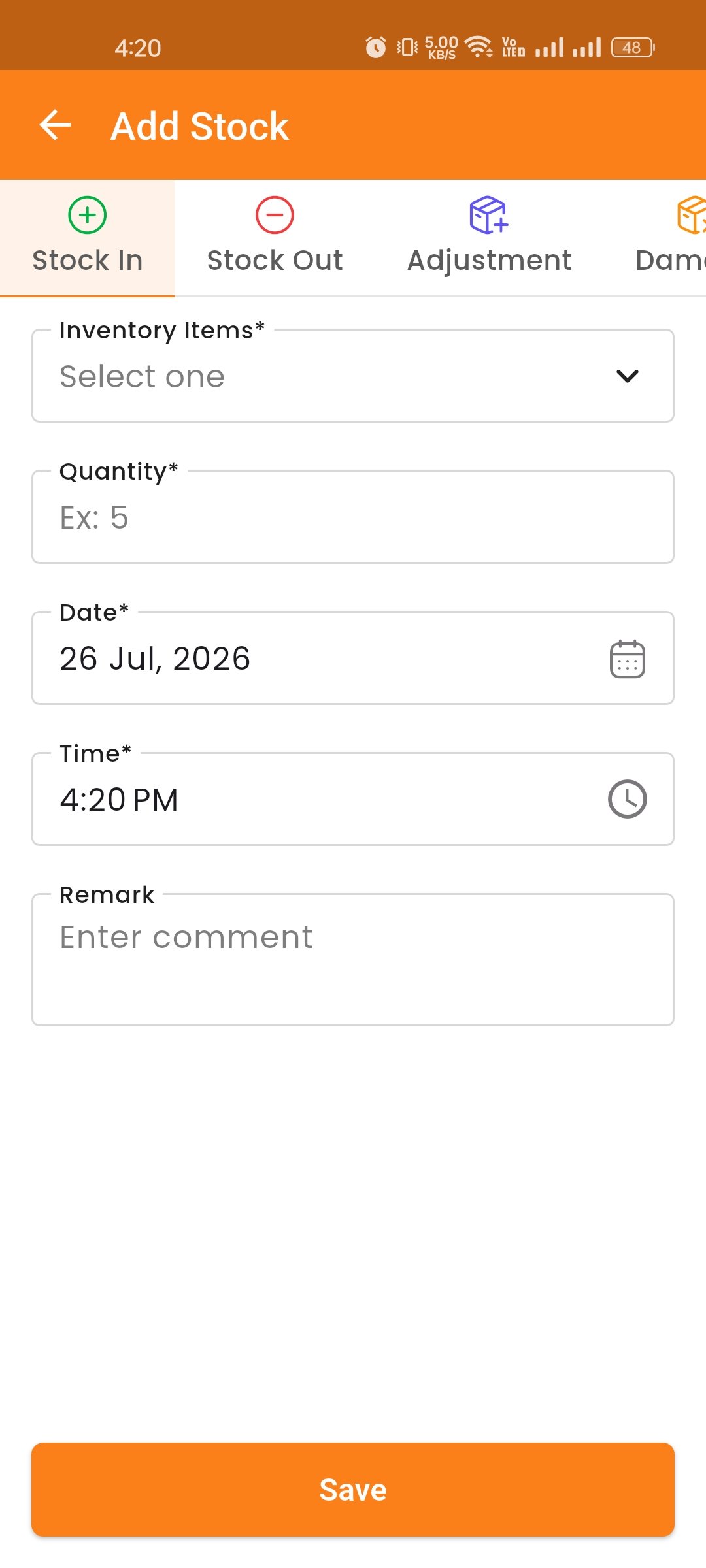
Add Stock, Update, Track Stock In, Stock Out, Adjustment, and Damage movements. Purchases auto-add stock and sales auto-deduct stock based on recipes.
Recipes
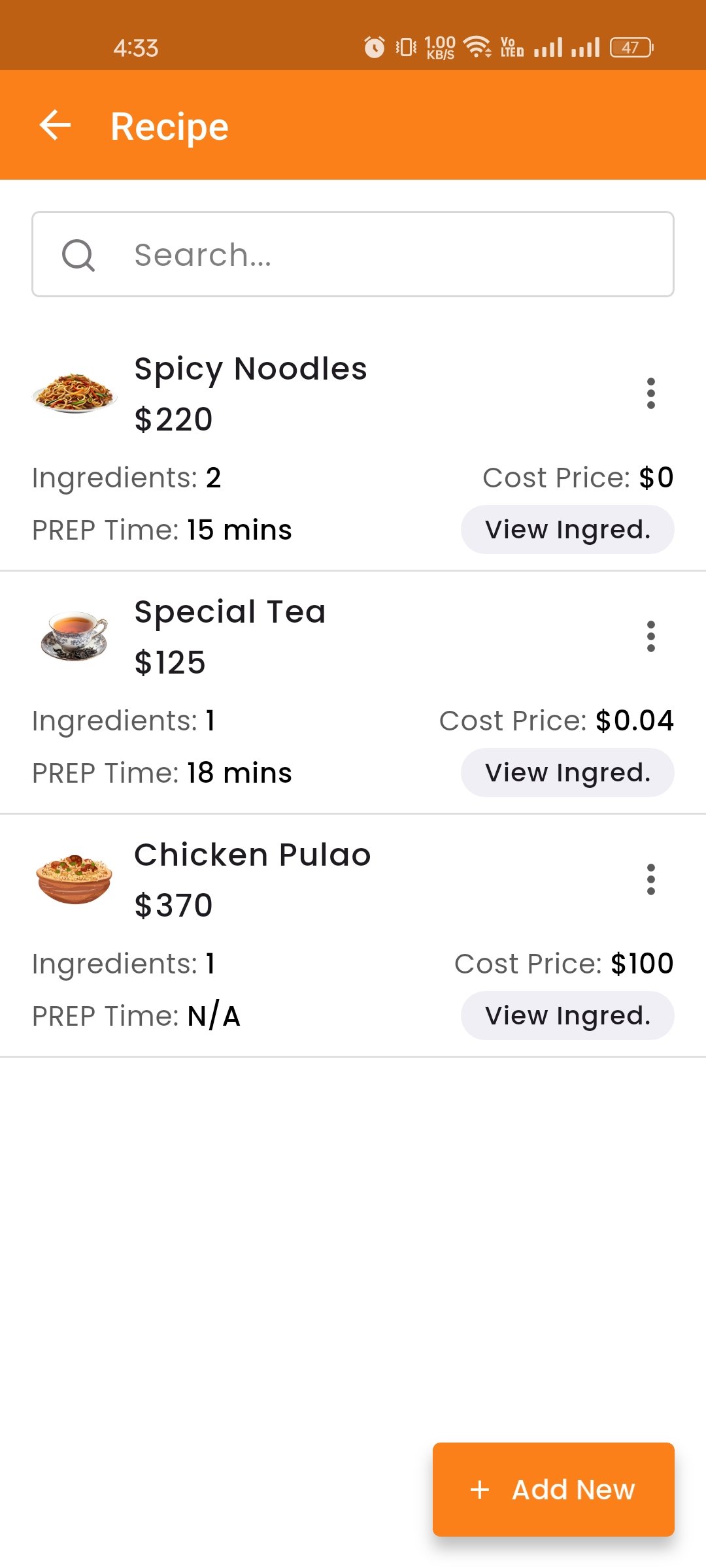
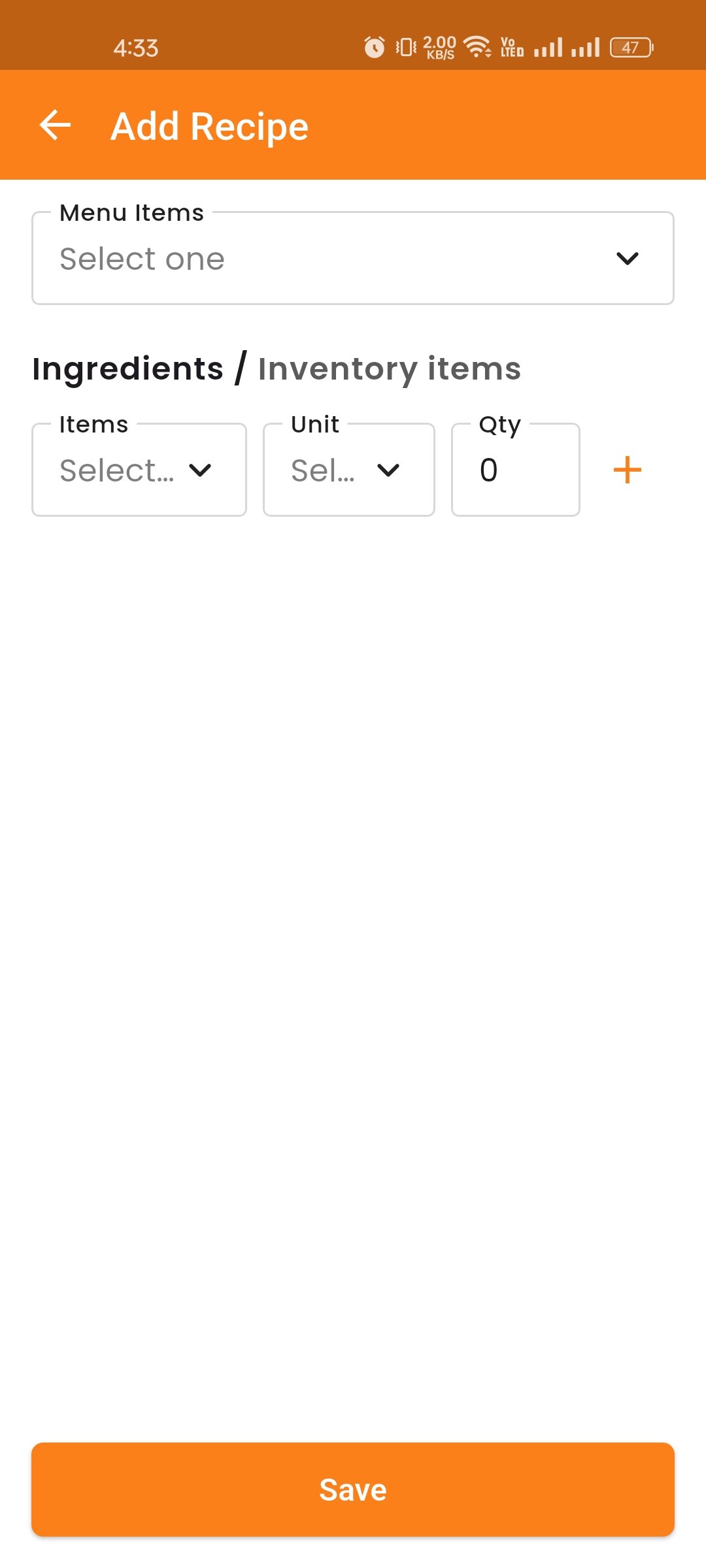
The Recipes module lets you define which inventory items and quantities are needed to produce each menu item. For example, if "Chicken Burger" requires 1 bun, 1 chicken patty, and 10g of sauce, you can define that here. When a sale is made, the system automatically deducts the required stock based on the recipe.
You can view the list of all recipes with their associated menu item and ingredient details. Use the search option to quickly find specific recipes.
Units
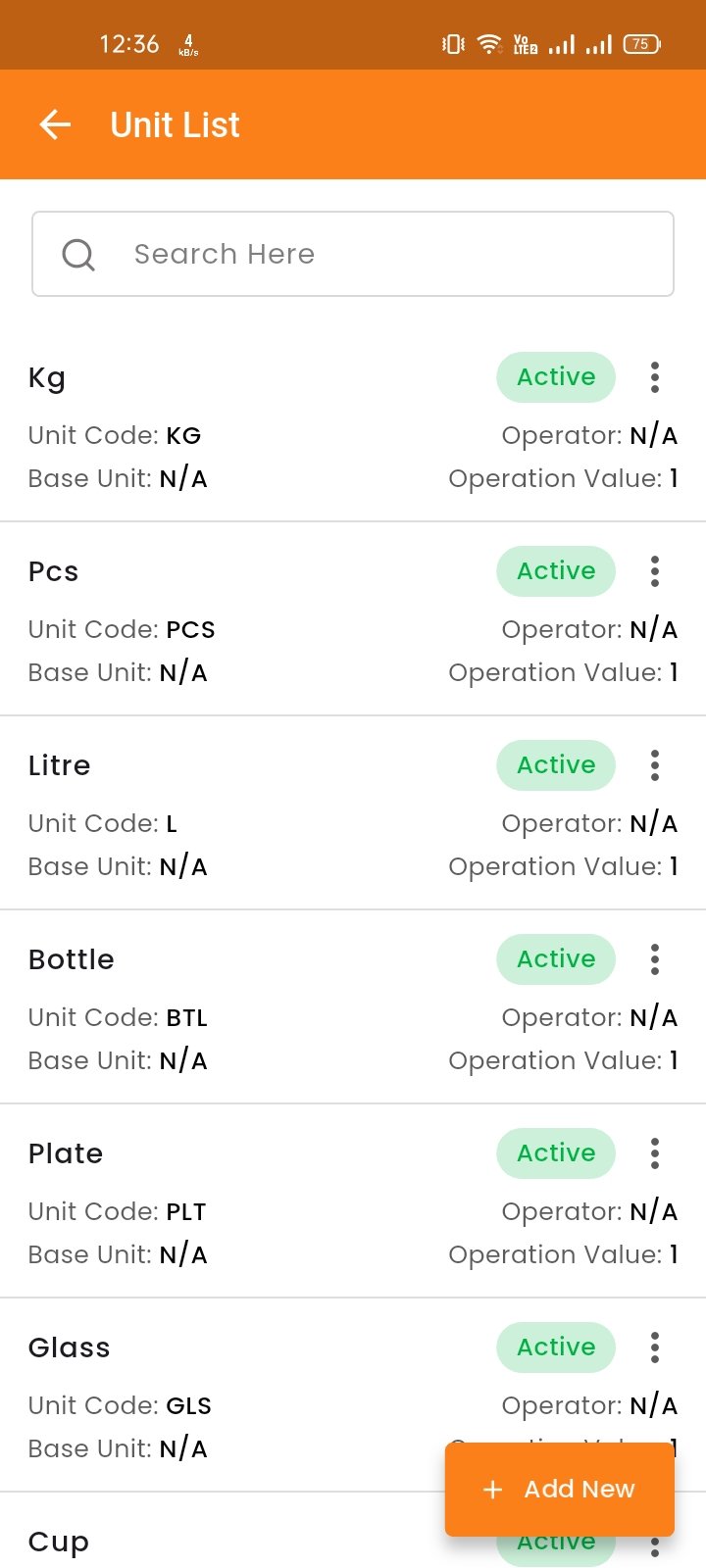
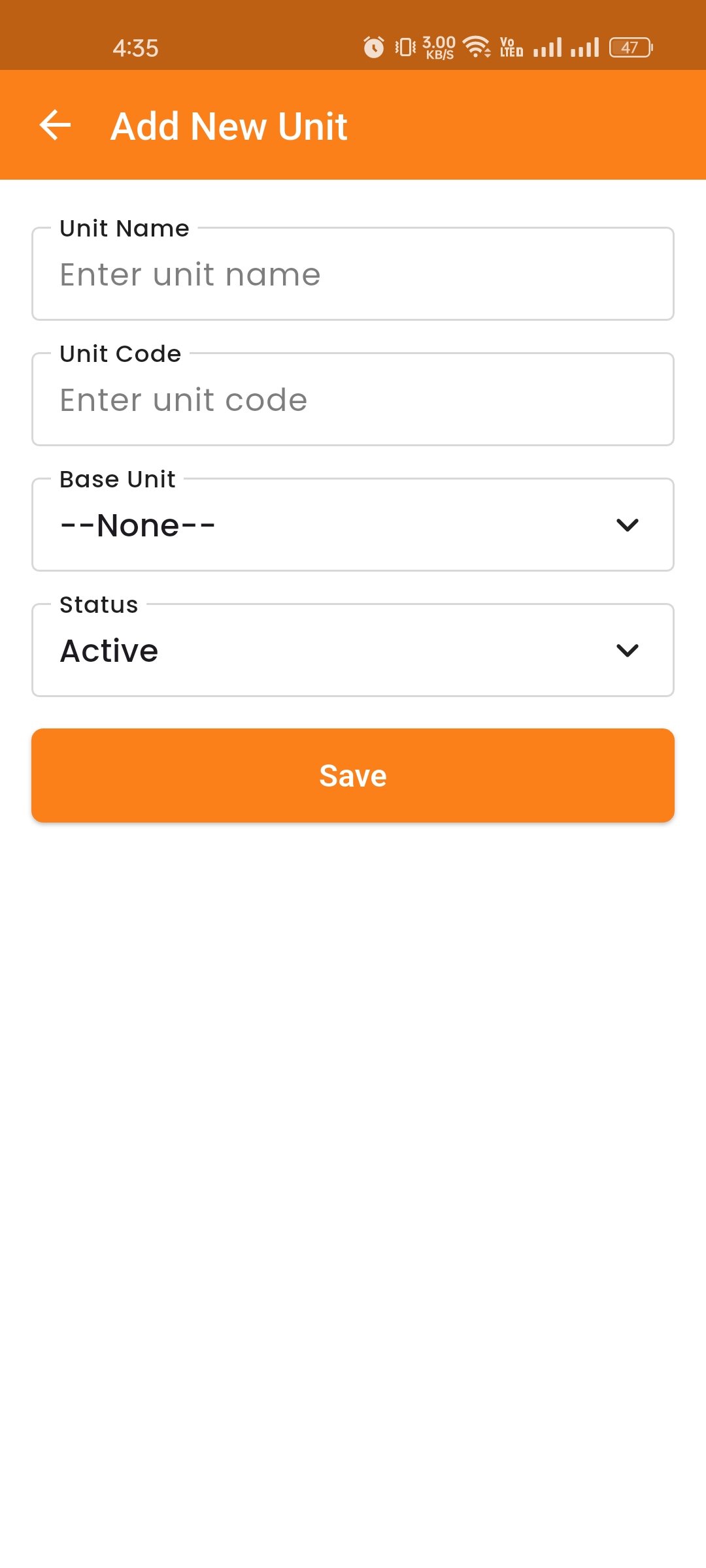
Manage measurement units used across your inventory. Create units like "kg", "litre", "piece", or "gram" and define conversions between them (e.g., 1 kg = 1000 g). This ensures accurate stock tracking when purchasing and using ingredients in different unit measurements.
Categories
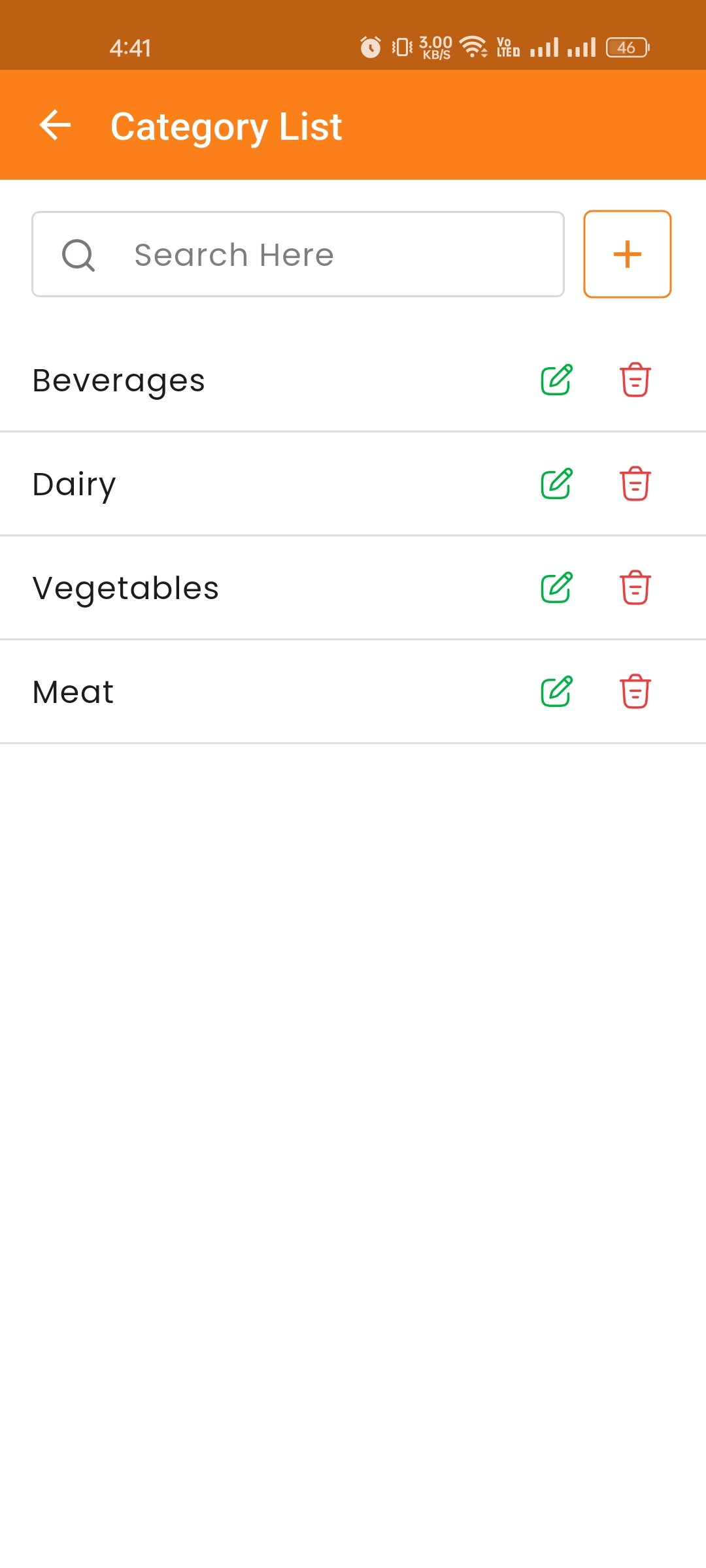
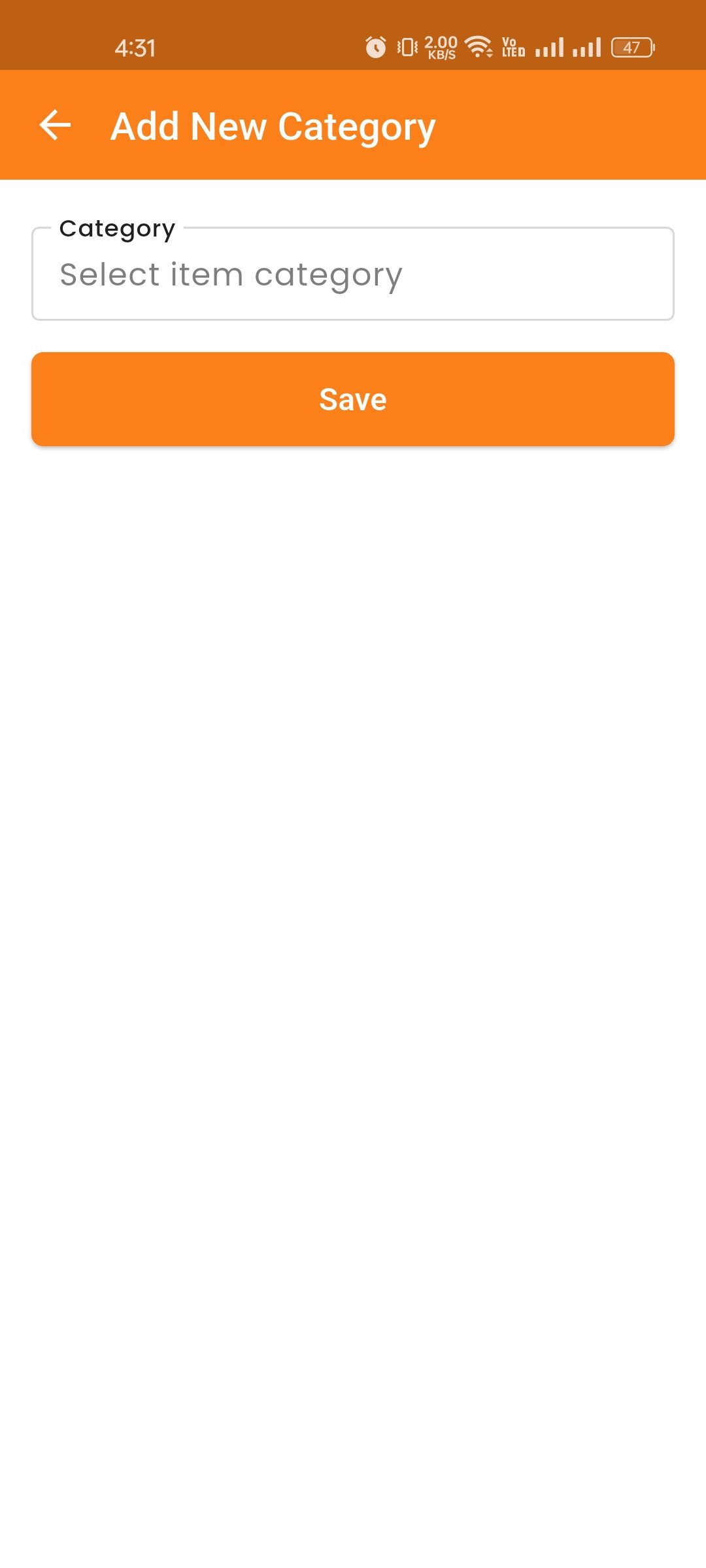
Organize your inventory items into categories such as "Vegetables", "Meat", "Dairy", "Beverages", etc. This helps you classify, filter, and manage inventory items more efficiently. You can create, edit, search, and delete categories as needed.