Area
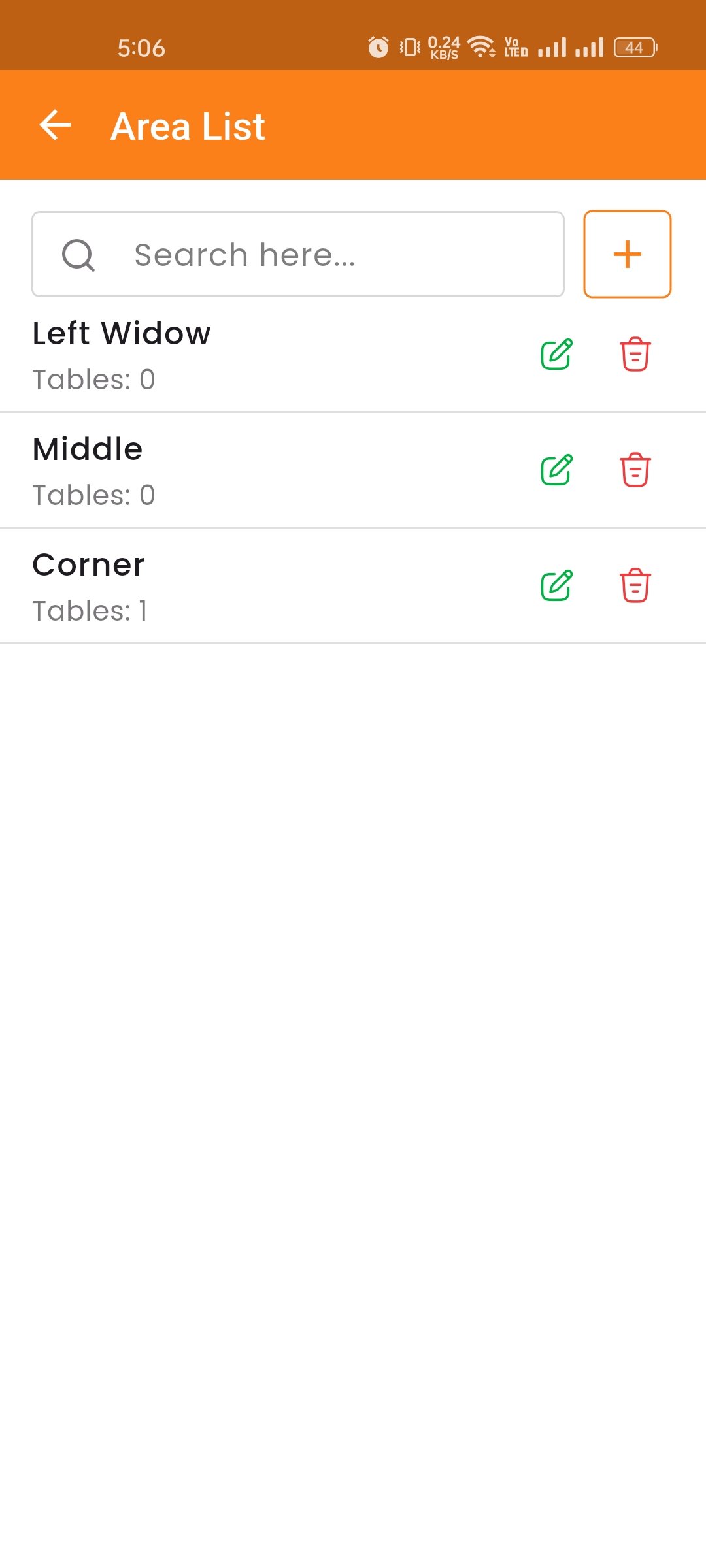
Areas group tables into physical zones such as Rooftop, North Corner, or VIP Section. This helps manage large floor plans and organize table layouts.
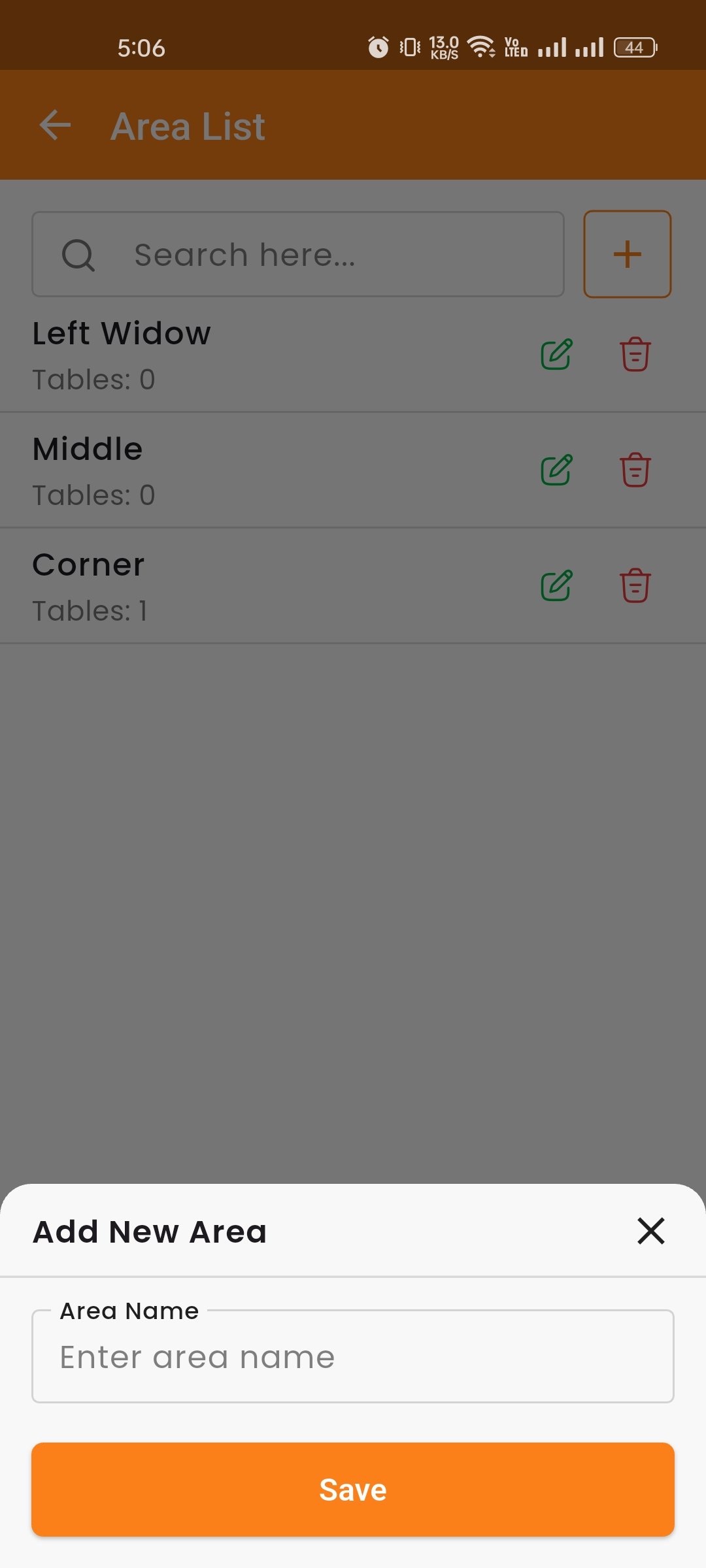
- Add Area — Click "Add Area" to open a modal. Enter the area name and click Save.
- Edit Area — Click the pencil icon to update the area name.
- Delete — Click the trash icon to remove an area permanently.