QR Code Scan
QR Code for Restaurant Tables
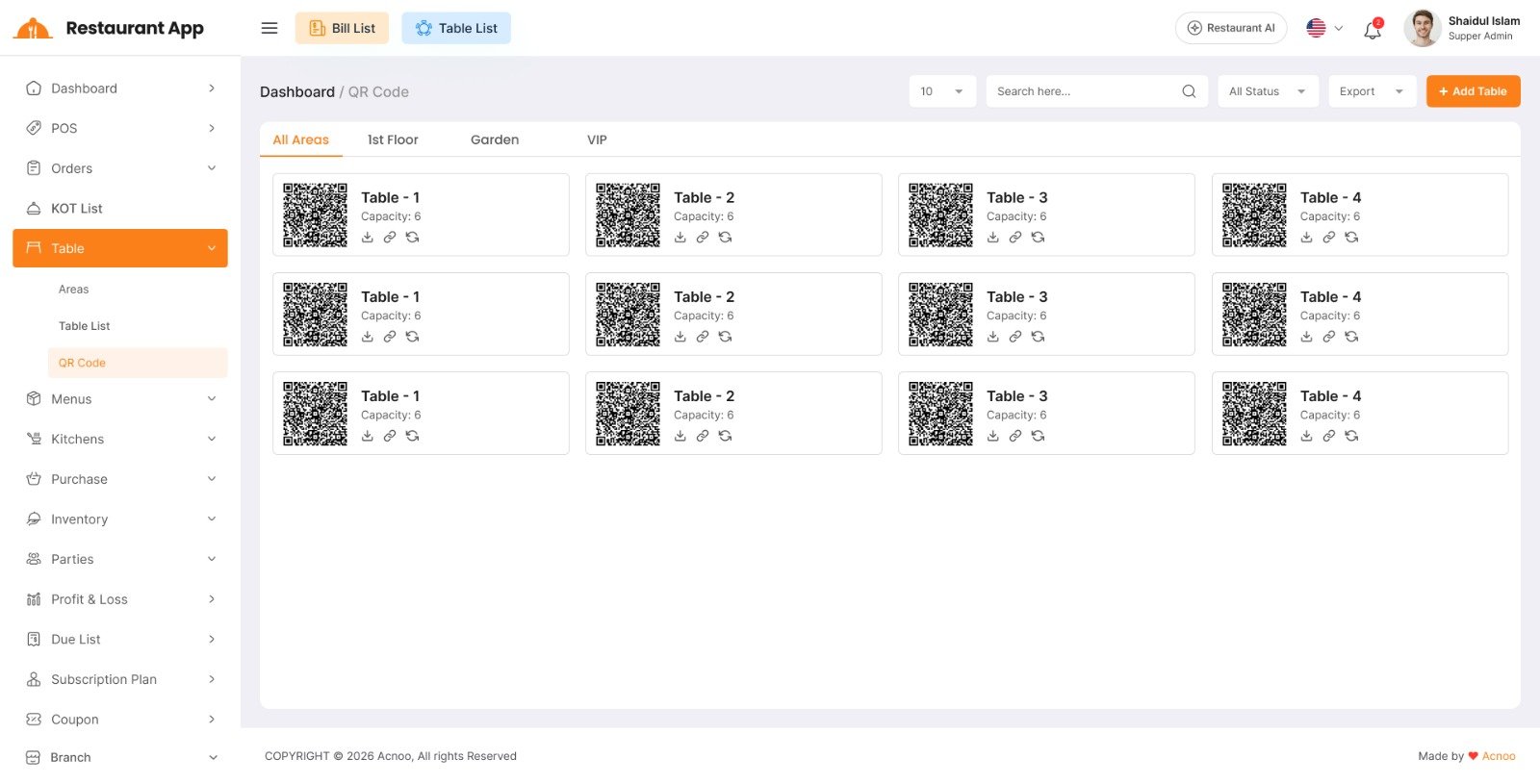
Each restaurant table has a unique QR Code that customers can scan to access the restaurant's online menu. The QR Code is automatically generated when a new table is created from the Restaurant Panel. If a QR Code is lost or damaged, you can generate a new one from the QR Code. You can download and print the QR Code and place it on the corresponding table.
Table Scanner List: From the Restaurant Panel, you can view the list of tables along with their QR Codes and other relevant information.
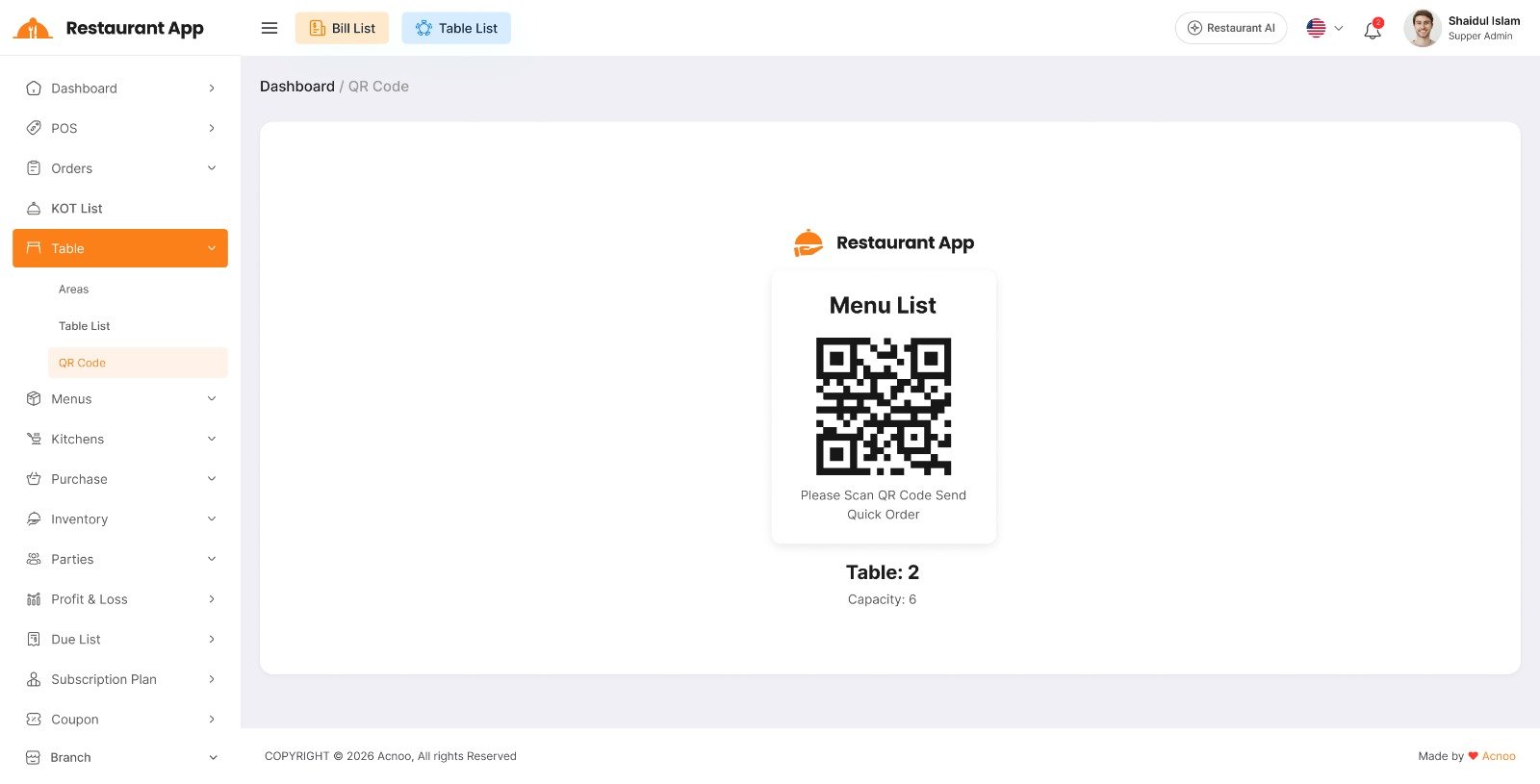
Scan QR Code: Customers can scan the QR Code placed on their table using their mobile phone. After scanning, they will be redirected to the restaurant's online menu, where they can view the menu and place their order directly from their table.
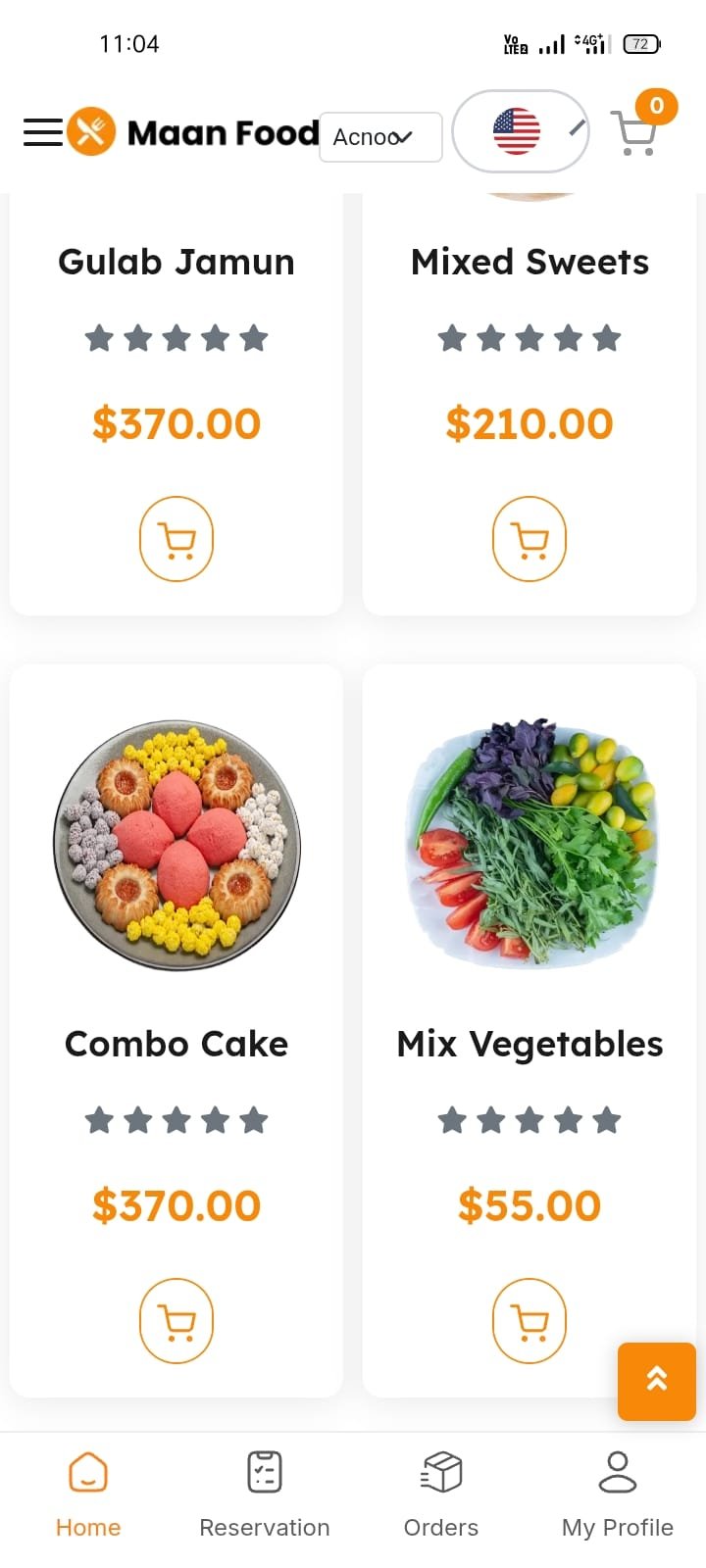
Online Store Items: Customers can browse the available food items, add their preferred items to the cart, and place an order without needing to log in or provide a delivery address when ordering from a restaurant table.
Once the order is placed, the restaurant staff can receive and prepare the order based on the customer's table. The table status and order details can also be monitored from the Restaurant Panel.
For Takeaway tables, customers can scan the QR Code, select their preferred items, and complete the order by making an online payment.