Stock Movements
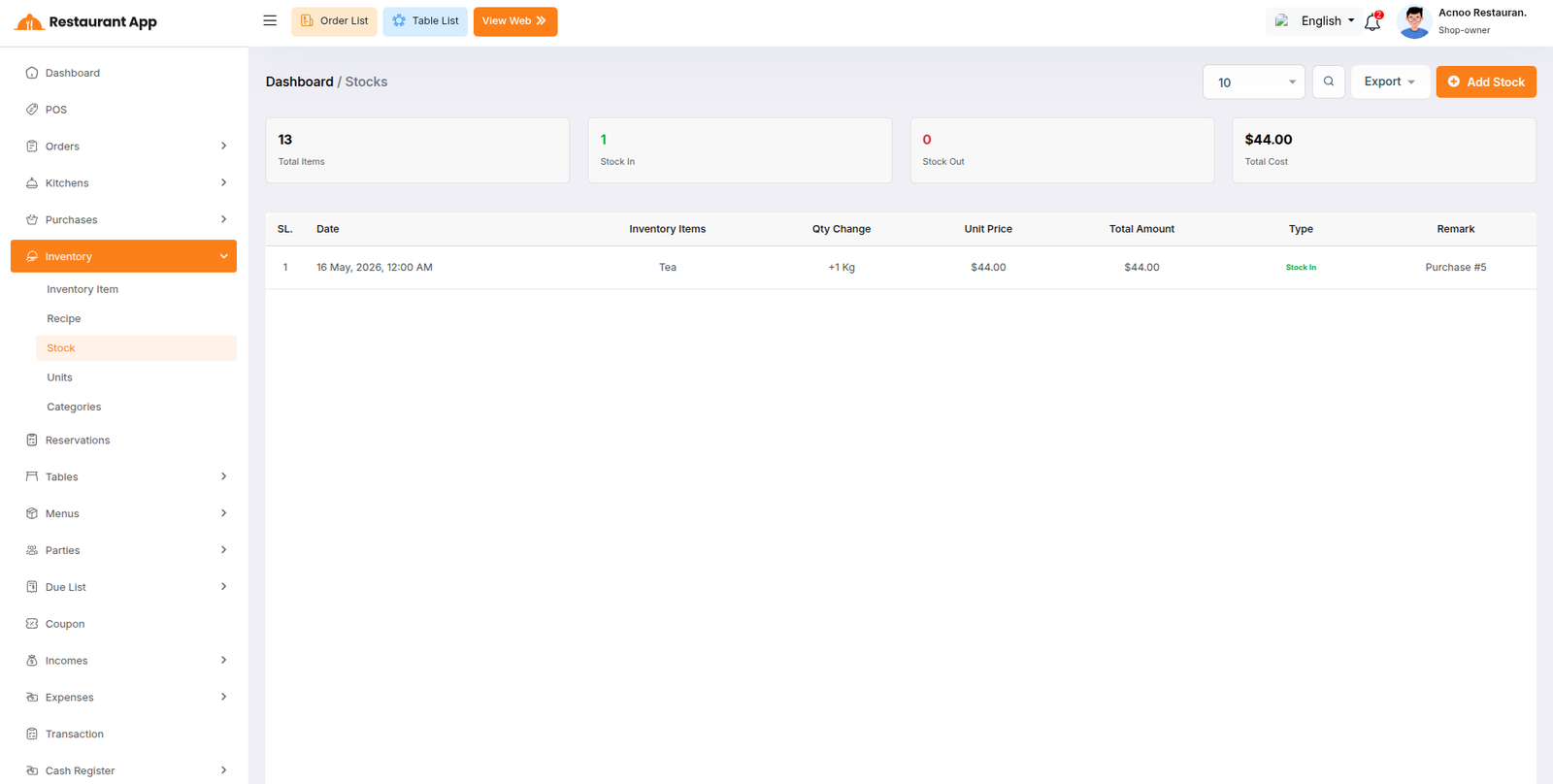
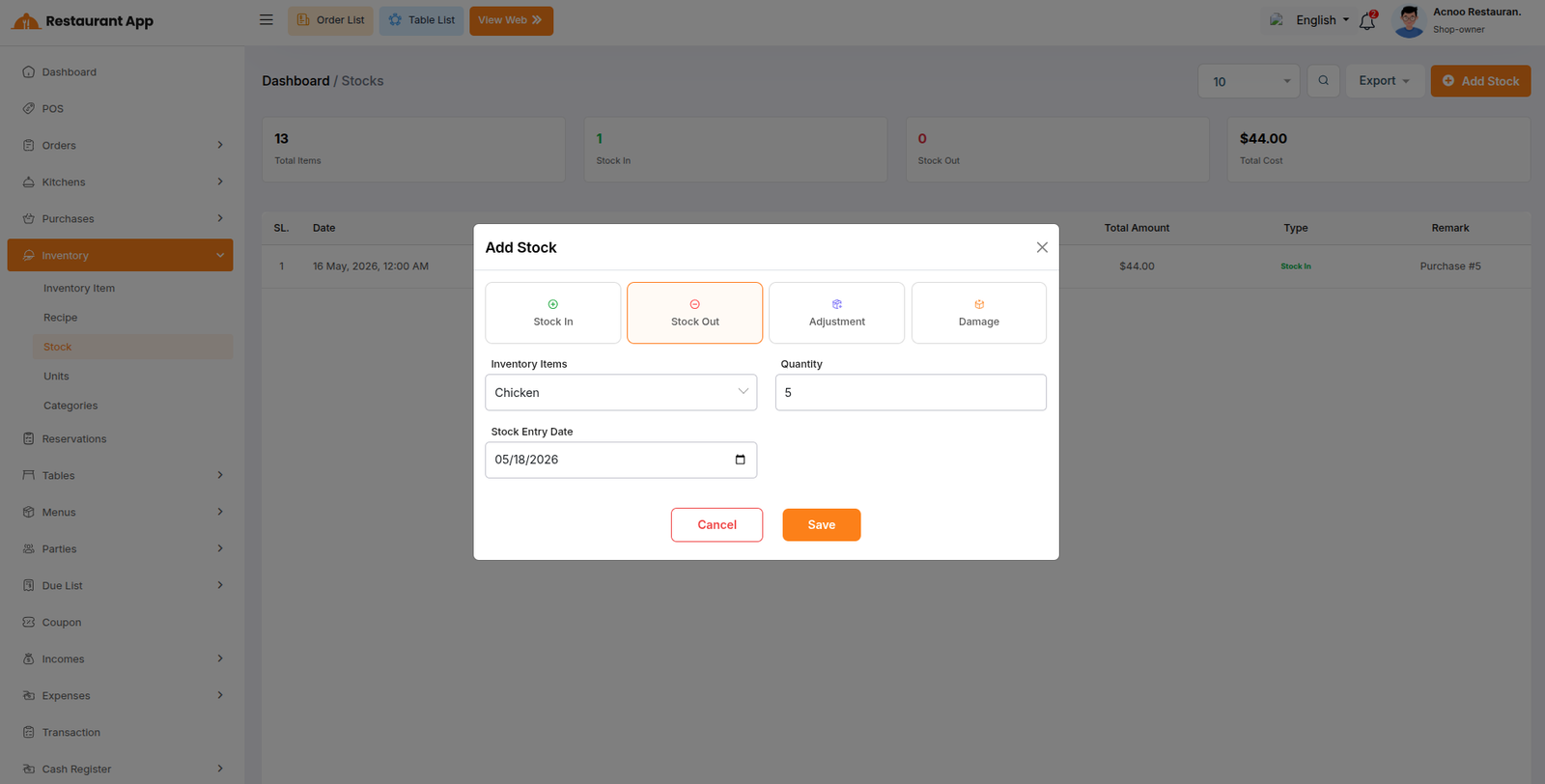
Stock Movements track all changes to ingredient quantities. You can create manual stock entries with these types:
- Stock In - Add stock (e.g., received from supplier)
- Stock Out - Remove stock (e.g., wasted or used)
- Adjustment - Correct stock count (positive or negative)
- Damage - Record damaged/unsellable stock
Each movement records: ingredient, type, quantity, unit price, total amount, movement date, remark, and reference. The system automatically updates the ingredient's stock quantity when a movement is created, updated, or deleted.
Auto Stock Impact:
- Purchase - When you create a purchase, the system auto-creates stock_in movements for each purchased ingredient
- Purchase Update - Old stock movements are reversed, new ones are created
- Purchase Delete - Related stock movements are reversed
- Sale - When you create a sale, the system finds the product's recipe and auto-creates stock_out movements for each ingredient (quantity * sale quantity)
- Sale Update/Delete - Same reverse-and-reapply logic