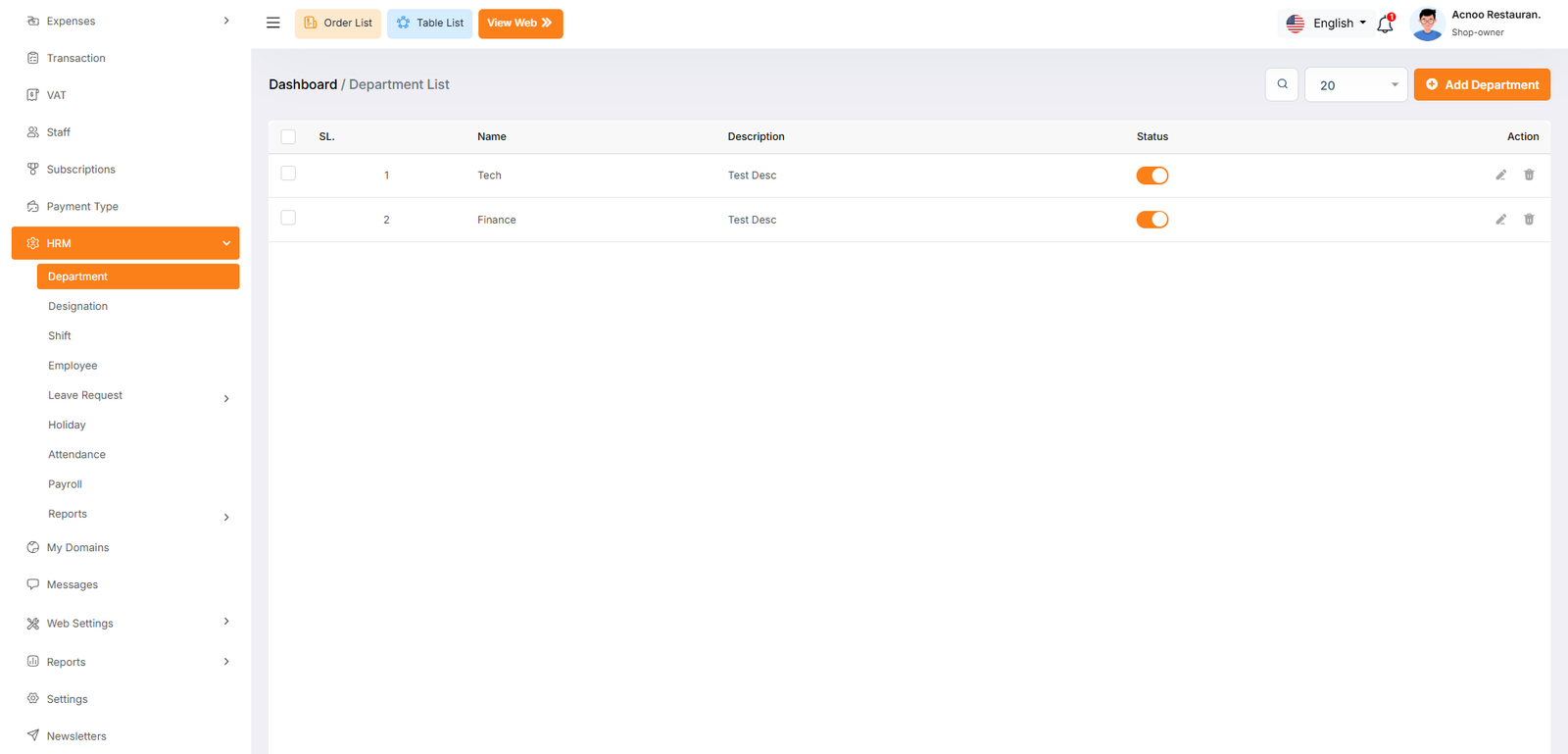
Department
The "Department List" page displays a list of all defined department, including their names, descriptions, and status. It provides options to manage these department.
Use the search bar to find specific department by name or description. Click the "Add New department" button to navigate to a page or modal where you can add a new department. Clicking the three dots in the "Action" where you can edit, delete and view.
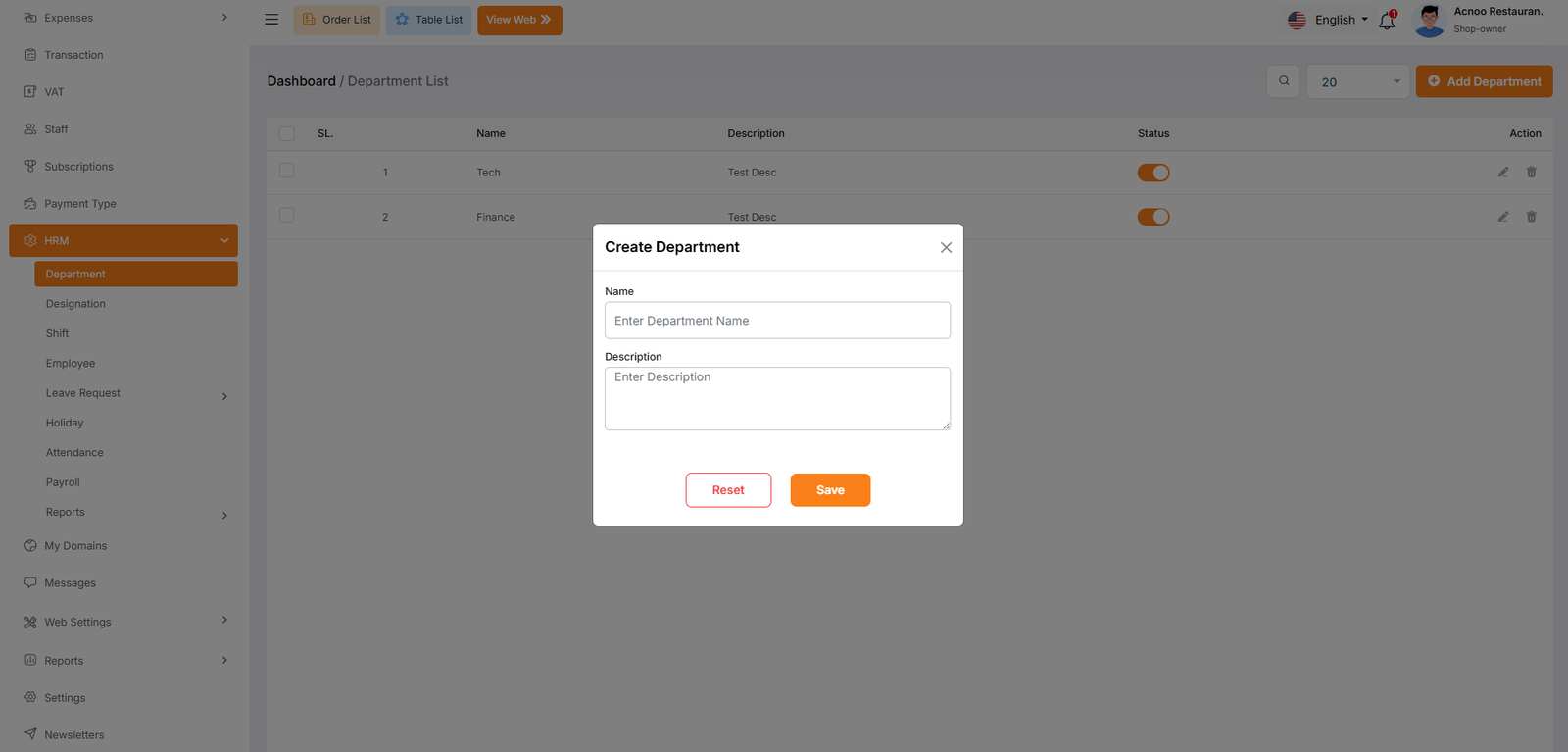
Add New Department
The "Department" form appears as a pop-up or overlay on the "Department List" page. It contains the following fields: