Role & Permissions
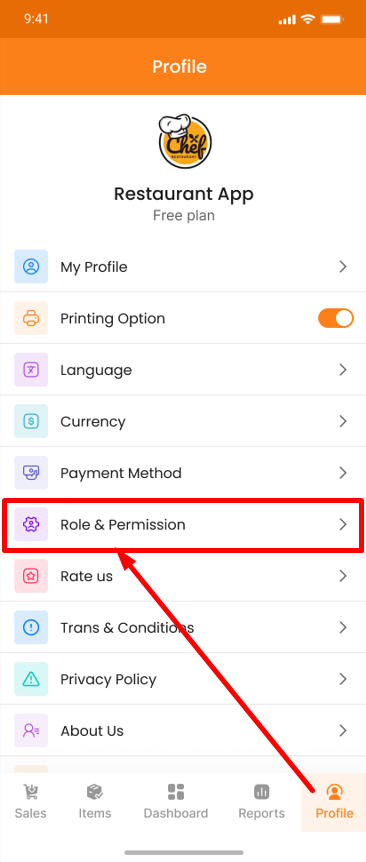
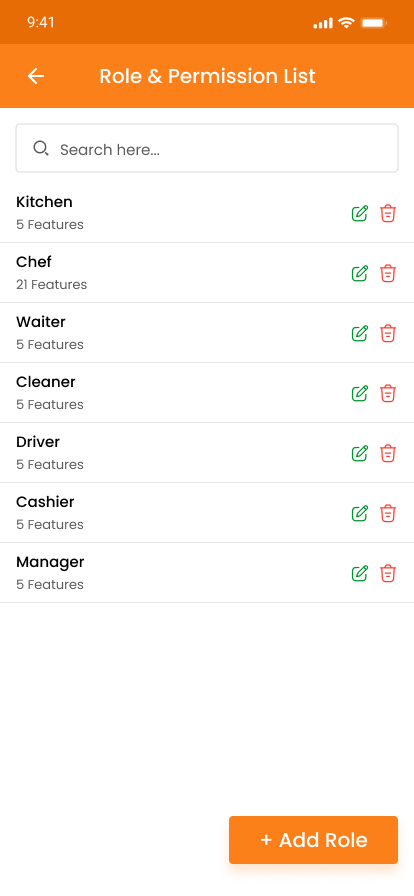
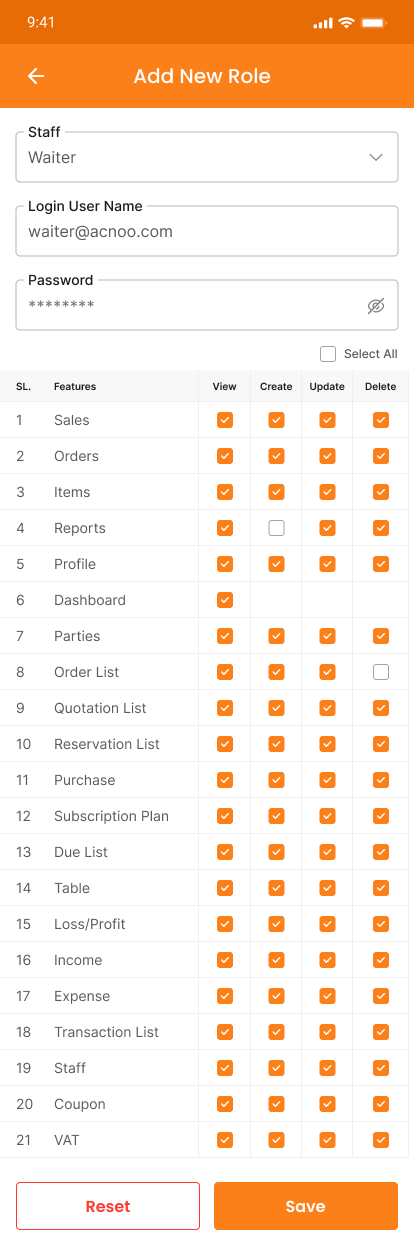
Shop owners can configure Role & Permissions from the Restaurant Panel under Staff Management > Roles & Permissions. Similar to the Kitchen & Chef Panel, the owner can create a waiter role and assign specific permissions such as order management, table status viewing, and customer request handling — while restricting access to administrative functions. Waiters will only see the sections they have been granted permission to access. If no permissions are granted, they will not see anything. This ensures waitstaff stay focused on serving customers without unnecessary distractions.