Getting Started
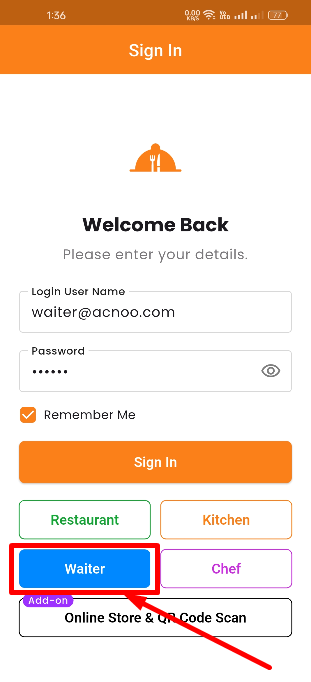
To log in to the App Waiter Panel, open the mobile app and tap the Waiter Panel demo button on the login screen. Enter your waiter credentials (e.g., waiter@appzetbilling.com / 123456). After successful login, you will have access to the features assigned to your role by the shop owner.