Getting Started
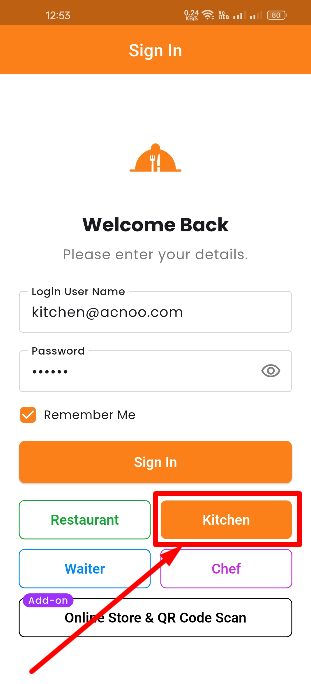
To log in to the App Kitchen Panel, open the mobile app and tap the Kitchen Panel demo button on the login screen. Enter your kitchen credentials (kitchen@appzetbilling.com / 123456). After successful login, you will see the dashboard with tabs based on your assigned permissions — such as Kitchens, Orders, and Reports.
Role & Permissions
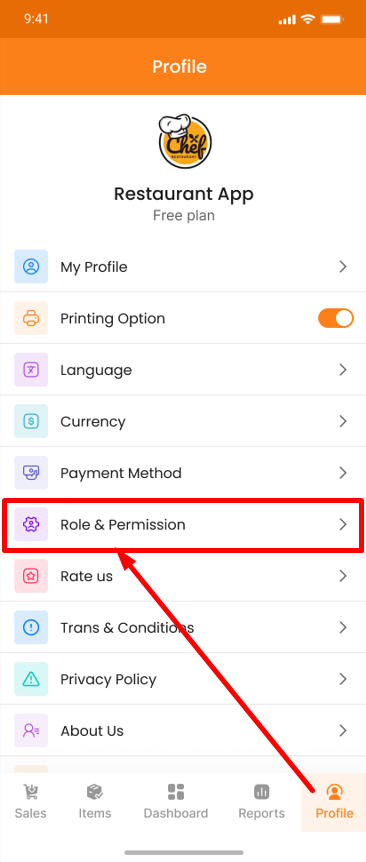
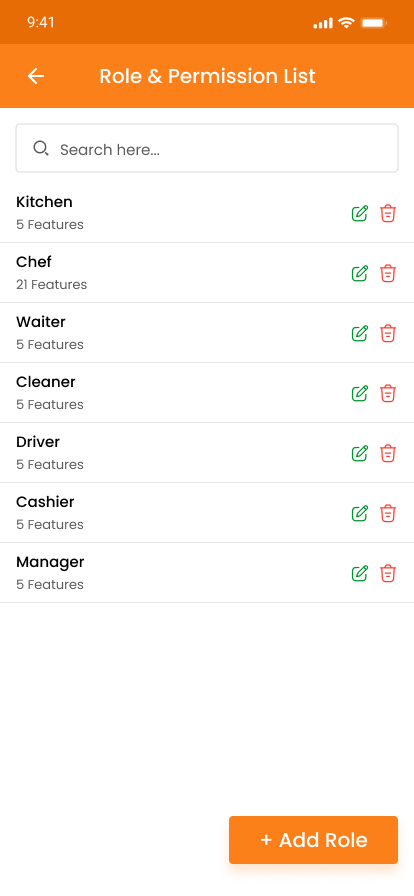
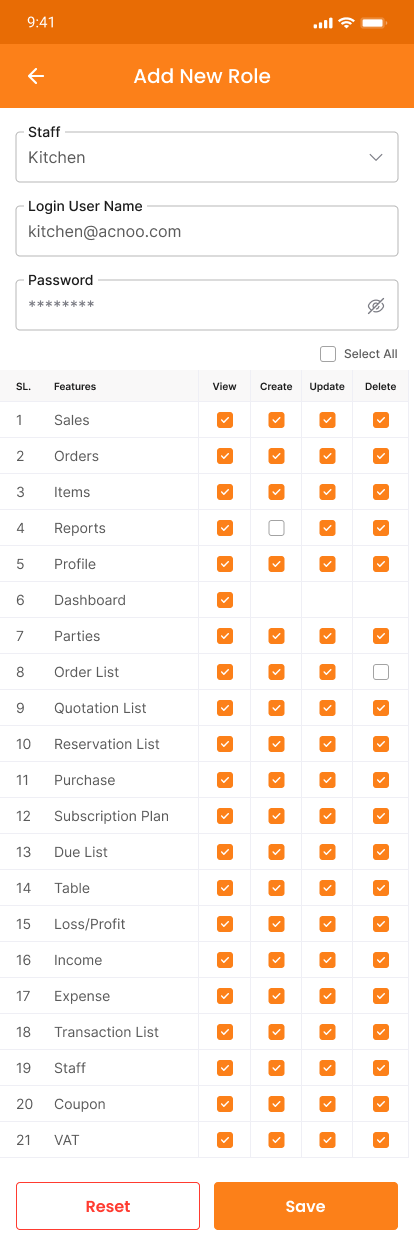
Shop owners can assign Role & Permissions from the Restaurant Panel under Staff Management > Roles & Permissions. The owner can create a kitchen staff role and grant access to Kitchens, Orders, and Reports as needed. Kitchen staff will only see the sections they have been granted access to. If no permissions are granted, they will not see anything.
Overview
The App Kitchen Panel is a dedicated mobile interface for kitchen staff. Depending on the permissions granted by the shop owner, kitchen staff can access Kitchens (manage cooking stations and assign menu items), Orders (view and update KOT orders), and Reports (view order reports and analytics).