Installation Wizard
Go to your website address, then you'll see an installation wizard. To open the installer, visit:
yourdomain.com/install
Now the installer will show up. The first screen will be the Welcome Screen.
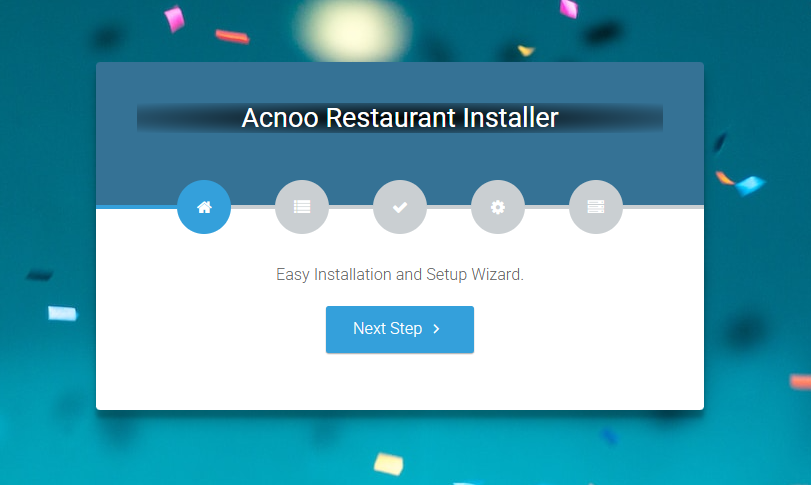
If you are not able to access the website by going to yourdomain.com/install, but you are able to access it via yourdomain.com/index.php/install, this means that you probably don't have Apache mod_rewrite installed and enabled.
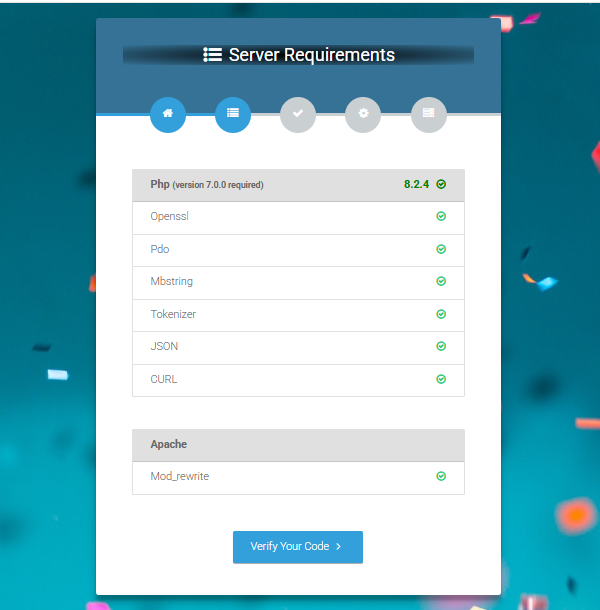
Server Requirements
After clicking on "Check requirement" button, you will be redirected to the System Requirements step during the installation wizard.
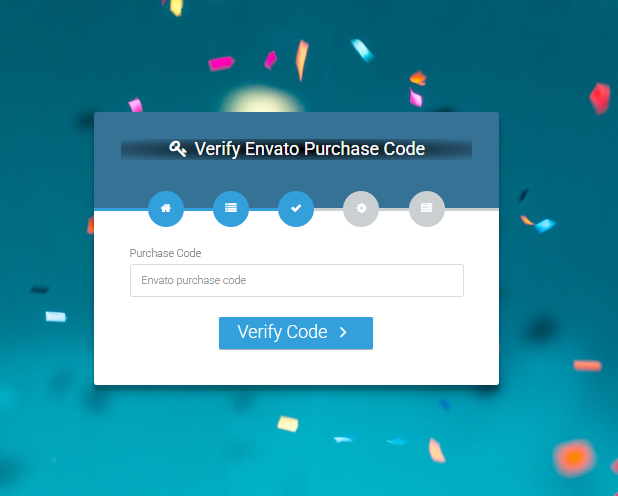
Verify Code
Here enter your Envato Purchase Code to proceed.
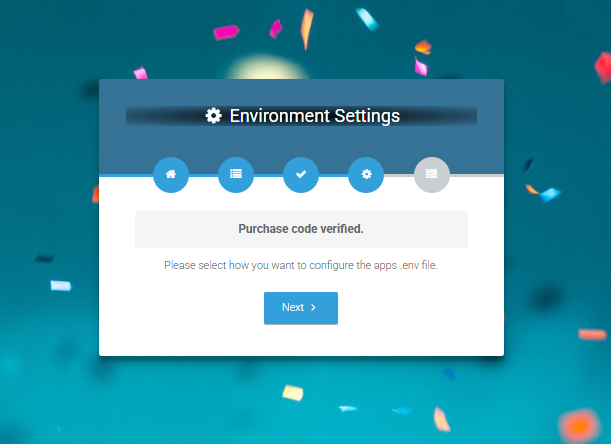
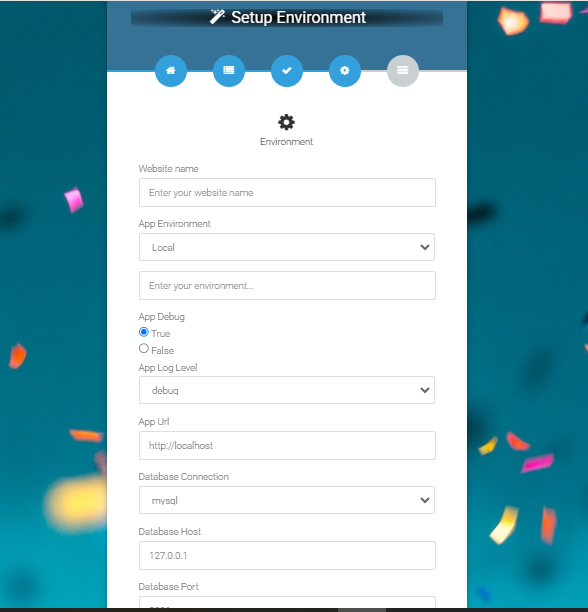
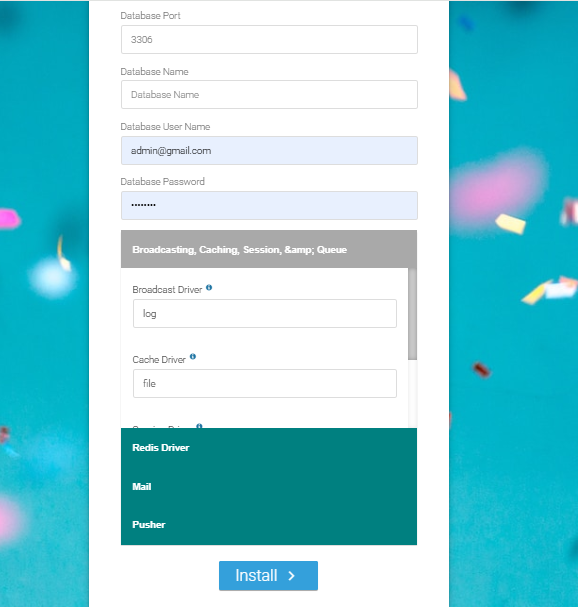
Database/Environment Setting
If your code is verified, simply click "Next" to proceed to the next step.
Please enter your database credentials and click "Install" to continue.
Exit
The last step is the exit step.
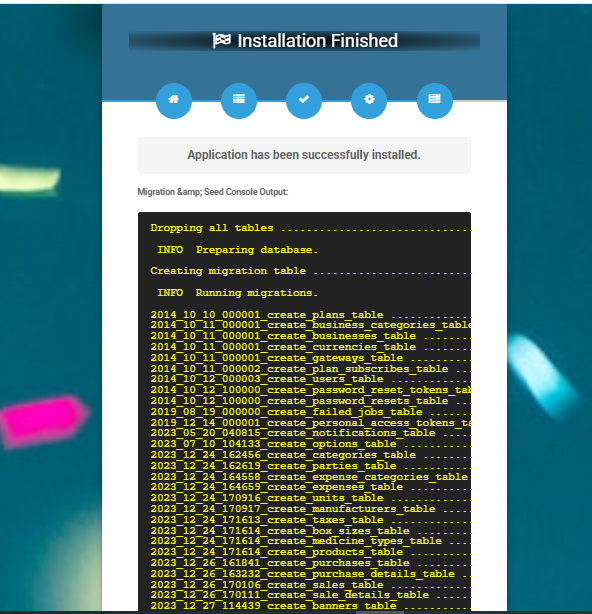
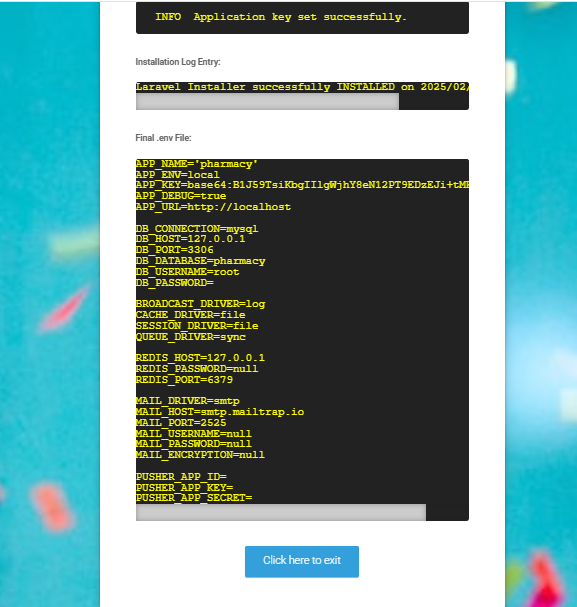
Congratulations, you have successfully installed this project on your server. 😀
← Uploading Files | Index | Default Password →